
Simple CRM — Powerful Customer Management Without the Complexity
CRM software has a reputation for being complicated, and that reputation is well earned. Many popular platforms overwhelm users with hundreds of settings, convoluted navigation menus, mandatory training sessions, and configuration processes that can take weeks. For businesses that just want to organize their contacts, track their sales pipeline, and send professional invoices, this level of complexity is not just unnecessary — it actively prevents adoption. Timeline CRM takes a different approach. It is a simple, straightforward desktop CRM application that installs in under two minutes and is ready to use immediately. There are no accounts to create, no servers to configure, no onboarding sequences to complete, and no steep learning curves to climb. You get 11 well-organized modules covering everything from lead management with Kanban boards and a 7-stage pipeline, to deal tracking through 6 stages, customer database management, professional quotation generation with auto-numbering and PDF export, invoicing with payment tracking, task management, product catalogs, and comprehensive reports and analytics. Timeline CRM proves that simple does not mean limited. It is built by Timeline Digital Solutions with Electron, React, and SQLite, runs entirely on your Windows 10 or 11 PC, stores data locally, works offline, and costs absolutely nothing. Simplicity, power, and zero cost — all in one application.
Developed By
Timeline Digital Solutions
For customized software or apps, contact Timeline Digital Solutions. We build practical business software, CRM systems, and tailored digital tools for real-world business operations.
Why Simplicity Matters in CRM Software
The most expensive CRM in the world is the one your team refuses to use. And the number one reason CRM adoption fails is complexity. When a CRM system requires hours of training, weeks of configuration, and constant administrator involvement just to keep it running, people naturally gravitate back to the tools they are comfortable with — spreadsheets, email inboxes, and handwritten notes. The CRM becomes shelf-ware, and the investment is wasted. Simplicity in CRM design is not a compromise; it is a strategic advantage that directly impacts whether the software gets used consistently.
A simple CRM reduces the friction between deciding to organize your customer data and actually doing it. When the software installs quickly, launches to an intuitive interface, and allows you to start adding contacts and tracking deals within minutes, adoption happens naturally. Team members do not need to attend training sessions or read documentation to understand how to log a call, move a lead through a pipeline, or create an invoice. The interface speaks for itself through clear labels, logical navigation, and visual layouts like Kanban boards that communicate information at a glance.
Timeline CRM was built with this philosophy at its core. Every design decision prioritizes clarity and ease of use. The 11 modules are organized in a logical sidebar navigation. Forms are straightforward with clearly labeled fields. Pipeline management uses visual Kanban boards with drag-and-drop interaction. Reports present data in readable formats without requiring you to build custom queries. The result is a CRM that business owners and sales professionals can start using productively from day one, without IT support or dedicated training.
The Problem with Complex CRM Systems
Enterprise CRM platforms are designed to serve organizations with hundreds of users, complex approval workflows, and deep integrations with dozens of other business systems. This makes them powerful tools for large corporations, but it also makes them overwhelming for small and mid-sized businesses that need straightforward customer management. Features like custom object creation, workflow automation builders, API configuration, role-based permission hierarchies, and multi-currency support add layers of complexity that most businesses simply do not need. Yet these features are always present in the interface, cluttering menus and making simple tasks feel harder than they should be.
The implementation timeline for complex CRM systems compounds the problem. Deploying a platform like Salesforce or Microsoft Dynamics 365 can take weeks or months, often requiring dedicated consultants or administrators to configure the system to match your business processes. Data migration, user training, and ongoing maintenance create a significant overhead that diverts resources away from the actual work of selling and serving customers. For a small business with limited staff, this overhead can be paralyzing.
Complex CRM systems also tend to be expensive, with per-user pricing that scales upward as you need more features. The combination of high cost, long implementation timelines, and steep learning curves creates a perfect storm that drives many businesses away from CRM adoption entirely. They end up managing customer relationships with spreadsheets and email, which is exactly the problem CRM was supposed to solve. Timeline CRM breaks this cycle by providing genuine CRM functionality — pipelines, invoicing, reporting, customer management — in an application that installs in minutes and requires zero training to start using productively.
Simple Does Not Mean Limited — Timeline CRM's Full Feature Set
There is a common misconception that simple software is necessarily basic or feature-poor. Timeline CRM disproves this entirely. The application includes 11 fully functional modules that cover the core CRM needs of most businesses. You get a 7-stage lead pipeline with Kanban boards, a 6-stage deal pipeline, a comprehensive customer database, professional invoicing with payment tracking and PDF export, quotation generation with auto-numbering, task management with due dates and priorities, a product and services catalog, detailed reports and analytics, a visual dashboard, configurable settings, and offline operation with local data storage.
What makes Timeline CRM simple is not the absence of features but how those features are presented. Each module has a focused interface that shows you exactly what you need without unnecessary clutter. Adding a lead is a clean form with intuitive fields. Moving a deal through your pipeline is a drag-and-drop action on a Kanban board. Creating an invoice pulls line items from your product catalog and calculates taxes automatically. Running a report is a matter of selecting what you want to see. None of these actions require you to navigate through layers of menus, configure settings, or consult documentation.
This design philosophy extends to the overall architecture of the application. Timeline CRM is a desktop application that runs on your Windows PC using Electron, React, and SQLite. There is no cloud infrastructure to manage, no API tokens to configure, no integration platforms to connect, and no user permissions to set up. The simplicity is not just in the interface — it is in the entire model of how the software works. Install, launch, and start managing your customers. That is the Timeline CRM experience.
Quick Setup Guide — Start in Under Two Minutes
Getting started with Timeline CRM is genuinely fast. Here is the complete setup process from download to your first lead entry.
Download the Installer
Visit www.timelinedigi.com and download the Timeline CRM installer for Windows. The download is lightweight and starts immediately. No account creation or email address is required to download the software.
Run the Installer
Double-click the downloaded file and follow the standard Windows installation prompts. The installer takes under a minute to complete and places Timeline CRM on your system, ready to launch.
Launch and Start Working
Open Timeline CRM and you are greeted by a clean dashboard. Navigate to the Leads module to add your first prospect, or explore the Settings to configure your business name, tax rates, and currency. There is no mandatory setup process — configure settings at your own pace while you start working immediately.
Add Leads, Create Deals, Send Invoices
Use the intuitive modules to add leads to your pipeline, track deals on Kanban boards, build your product catalog, create quotations and invoices, and assign tasks. Every feature is accessible from the sidebar navigation with no hidden menus or buried settings.
Features Designed to Stay Simple
Every feature in Timeline CRM is built with clarity and ease of use as the top priority. Here is what you get — no complexity, no learning curve, no hidden menus.
Visual Kanban Boards
See your entire pipeline at a glance with drag-and-drop Kanban boards. Both the lead and deal pipelines use this intuitive visual format. Move cards between stages by dragging them — no menus to navigate, no forms to fill out, just simple visual interaction that keeps your pipeline up to date.
Clean Dashboard
Launch Timeline CRM and see your key metrics immediately. The dashboard shows lead counts, deal values, recent activity, and task status in a clear visual layout. No configuration required — the dashboard populates automatically as you add data to the system.
Straightforward Invoicing
Create invoices by selecting a customer, adding line items from your catalog, and clicking export. Tax calculations happen automatically based on your settings. Payment tracking is a simple status update. No complex accounting workflows — just clean, professional invoices generated in seconds.
One-Click Quotations
Generate quotations with auto-numbering and product catalog integration. Select products, adjust quantities, and export a polished PDF in seconds. When a quotation is accepted, convert it to an invoice without re-entering any data. The workflow is as simple as it sounds.
Sidebar Navigation
Every module in Timeline CRM is accessible from a clearly labeled sidebar. Leads, Deals, Customers, Tasks, Products, Quotations, Invoices, Reports, Settings, and Dashboard — each is one click away. No nested menus, no dropdown hierarchies, no hidden features to discover.
Instant Offline Access
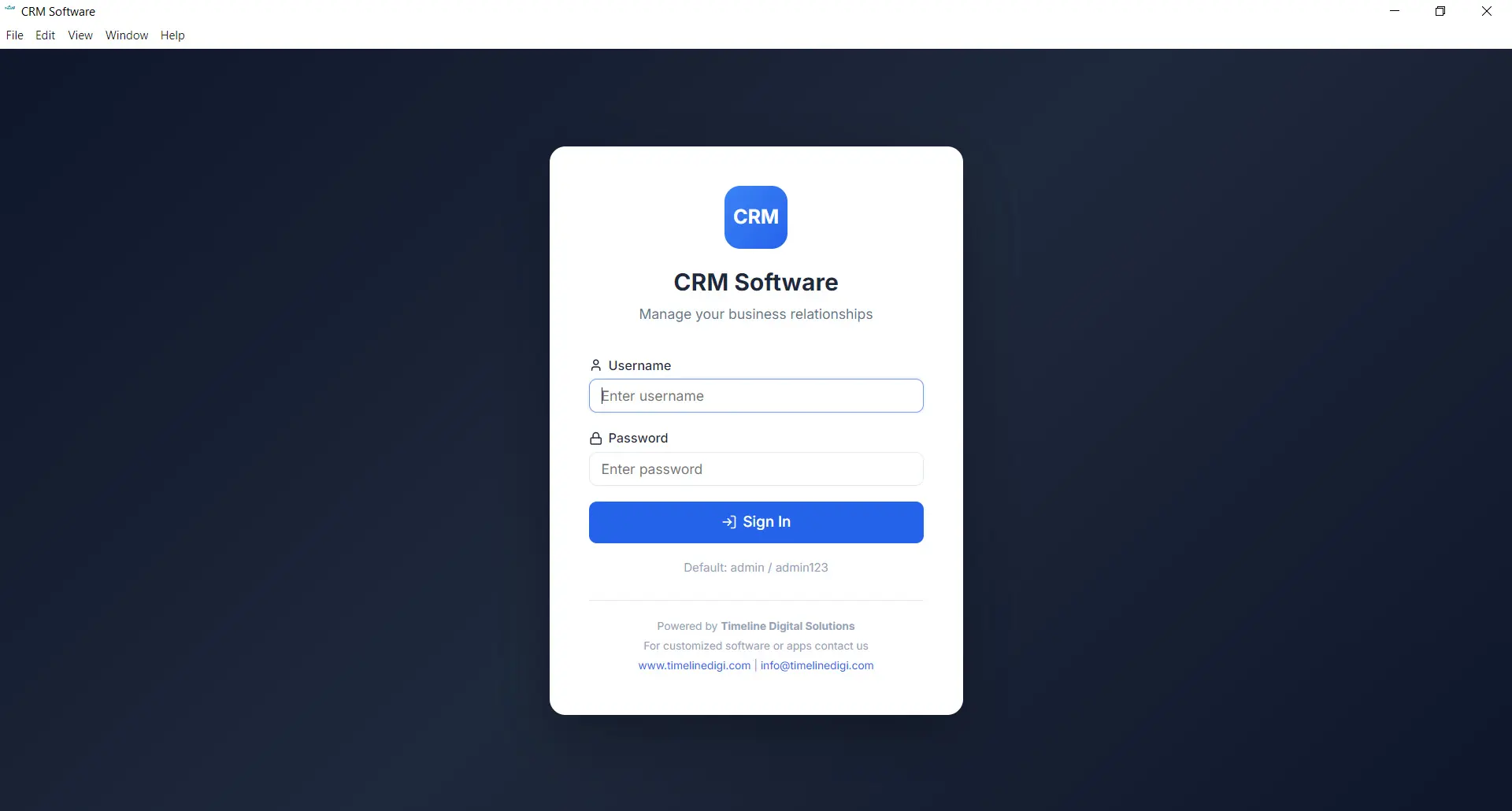
Timeline CRM runs entirely on your Windows PC with a local SQLite database. There is no login screen, no cloud synchronization, and no waiting for data to load from a server. Open the application and your data is there instantly, whether you are connected to the internet or not.
Simple Task Management
Create tasks with a description, due date, and priority. Link them to leads, deals, or customers for context. View all tasks in a centralized list. Mark them complete when done. No workflow builders, no approval chains — just straightforward task tracking that keeps follow-ups on schedule.
Readable Reports
Access sales reports and analytics through clear, pre-built views. See pipeline values, revenue trends, and conversion metrics without building custom queries or configuring report parameters. The data you need is presented in formats that are easy to read and act on immediately.
Zero-Cost Simplicity
Timeline CRM is 100% free with no subscriptions, no per-user fees, and no premium tiers. The simplicity extends to pricing — there are no billing decisions to make, no plan comparisons to evaluate, and no surprise charges. Download, install, use. That is the entire commitment.
Frequently Asked Questions
What makes Timeline CRM a simple CRM? ▾
Timeline CRM is simple because it installs in under two minutes, requires no account creation or server setup, and presents a clean interface that focuses on the features businesses actually use. There is no bloated feature set with hundreds of options you will never touch. Instead, you get 11 well-designed modules covering leads, deals, customers, invoicing, quotations, tasks, products, reports, settings, and dashboard — all organized logically and easy to navigate from day one.
How long does it take to set up Timeline CRM? ▾
Setup takes less than two minutes. Download the installer from the website, run it on your Windows 10 or 11 PC, and the application is ready to use immediately. There is no account creation, no email verification, no onboarding wizard, and no mandatory configuration. You can start adding leads and customers the moment the application launches. Configure your business details and settings at your own pace.
Do I need technical skills to use Timeline CRM? ▾
No. Timeline CRM was designed for business owners and sales professionals, not IT experts. The interface is clean and intuitive with clearly labeled modules, visual Kanban boards for pipeline management, and straightforward forms for adding records. If you can use basic desktop software, you can use Timeline CRM. There are no complex configurations, no scripting, and no database management required.
Is Timeline CRM too simple for growing businesses? ▾
Not at all. While Timeline CRM is simple to use, it is not simplistic. It includes 11 modules covering every core CRM function: lead pipeline management, deal tracking, customer database, invoicing with payment tracking, quotation generation, task management, product catalog, reports and analytics, and a configurable dashboard. Simplicity in Timeline CRM means ease of use, not lack of capability. The software scales with your business without adding complexity.
How does Timeline CRM compare to complex CRM systems? ▾
Complex CRM systems like Salesforce or Dynamics 365 offer extensive customization, automation workflows, and integrations — but they also require significant time and often dedicated administrators to set up and maintain. Timeline CRM focuses on the core CRM features that most businesses actually use: pipeline management, contact tracking, invoicing, and reporting. You get functional depth without the overhead of managing a complex enterprise platform.
Can I manage invoices and quotations with this simple CRM? ▾
Yes. Despite being simple to use, Timeline CRM includes full invoicing and quotation modules. You can create invoices with automatic tax calculations, track payment status, and export PDFs. Quotations support auto-numbering, product catalog integration, and PDF export. The simplicity lies in how these features are presented — clean forms and logical workflows rather than overwhelming configuration screens.
Is Timeline CRM free? ▾
Yes, Timeline CRM is 100% free. There are no subscription fees, no per-user charges, and no premium tiers. Every module and feature is available at no cost. The application runs on your Windows desktop using local storage, so there are no cloud hosting fees to fund through user subscriptions. It remains free permanently.
Does a simple CRM mean limited features? ▾
No. Simple refers to the user experience, not the feature set. Timeline CRM includes a 7-stage lead pipeline, a 6-stage deal pipeline, Kanban drag-and-drop boards, customer management, invoicing, quotations, task management, product catalog, reports, analytics, CSV export, and call logging. These features are presented through a clean, uncluttered interface that makes them easy to use without training or documentation.
Experience CRM That Just Works
No training required. No configuration headaches. Download Timeline CRM and start managing your customers in under two minutes — for free.
Download Simple CRM FreeRelated Pages
Free CRM for Small Business
See how Timeline CRM helps small businesses manage customers without monthly fees.
Sales CRM
Explore how Timeline CRM supports your complete sales process from lead to payment.
Free CRM
Discover why Timeline CRM is the best truly free CRM with no hidden costs.
HubSpot CRM Alternative
Compare Timeline CRM's simplicity with HubSpot's feature-rich platform.
Every Feature You Need,
Zero Cost
Timeline CRM packs a complete suite of business management tools into one free desktop application. From lead capture to invoice generation, every module is designed to help small businesses operate more efficiently without paying for expensive cloud subscriptions.
Dashboard
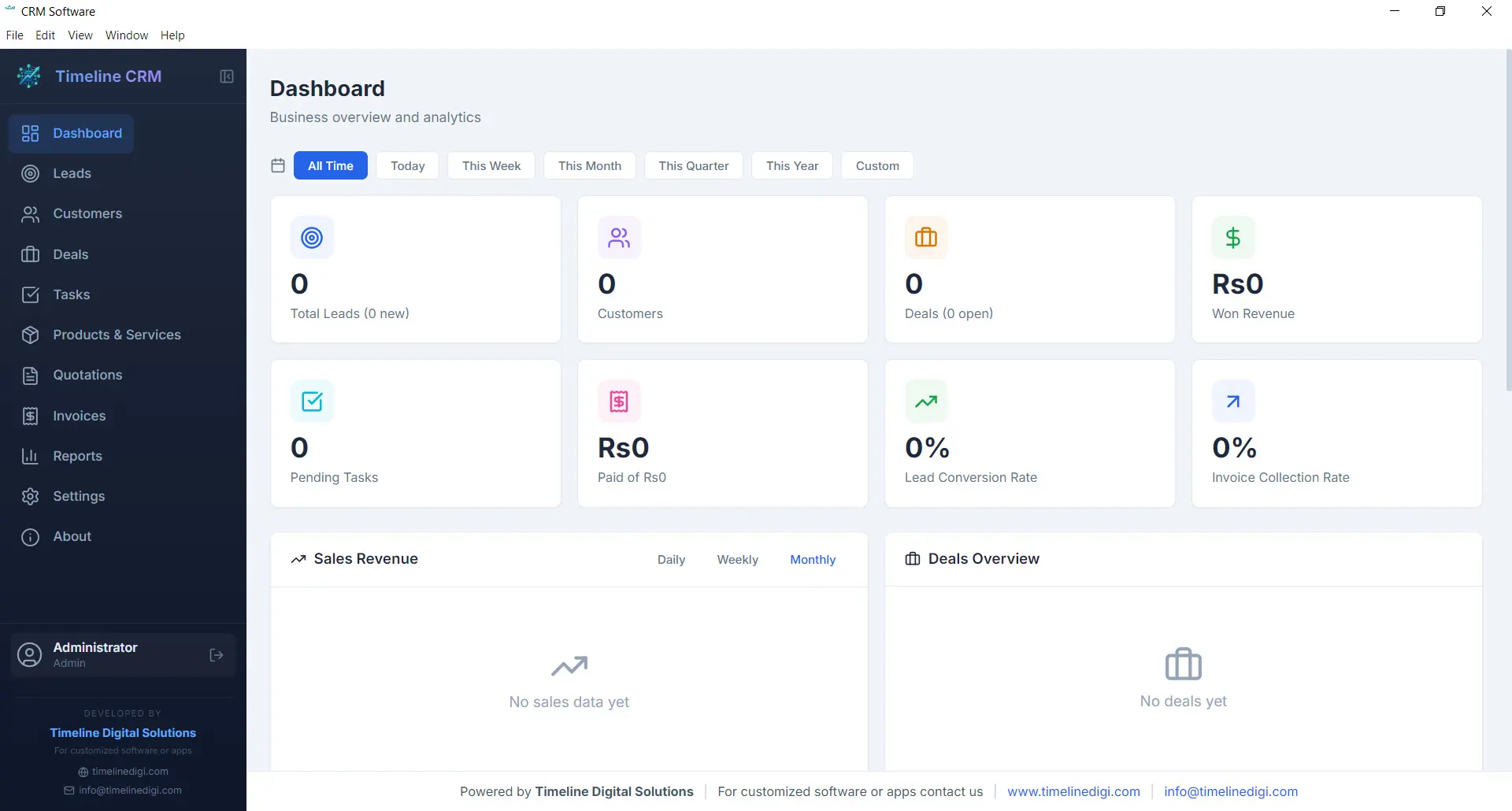
The Dashboard is your command center. Every time you open Timeline CRM, you are greeted with a comprehensive overview of your business performance. Key metrics are displayed prominently so you can gauge the health of your sales pipeline, track revenue trends, and identify areas that need attention — all without clicking through multiple screens.
Visual charts and summary cards present your data in an easy-to-digest format. Whether you want to see how many new leads came in this week, what your total deal value looks like, or which tasks are overdue, the Dashboard surfaces that information instantly. It is the first thing you see and the fastest way to stay on top of your business.
- Real-time business metrics and KPI cards
- Sales pipeline distribution chart
- Recent activity feed and upcoming tasks
- Revenue and lead trend visualizations
Leads
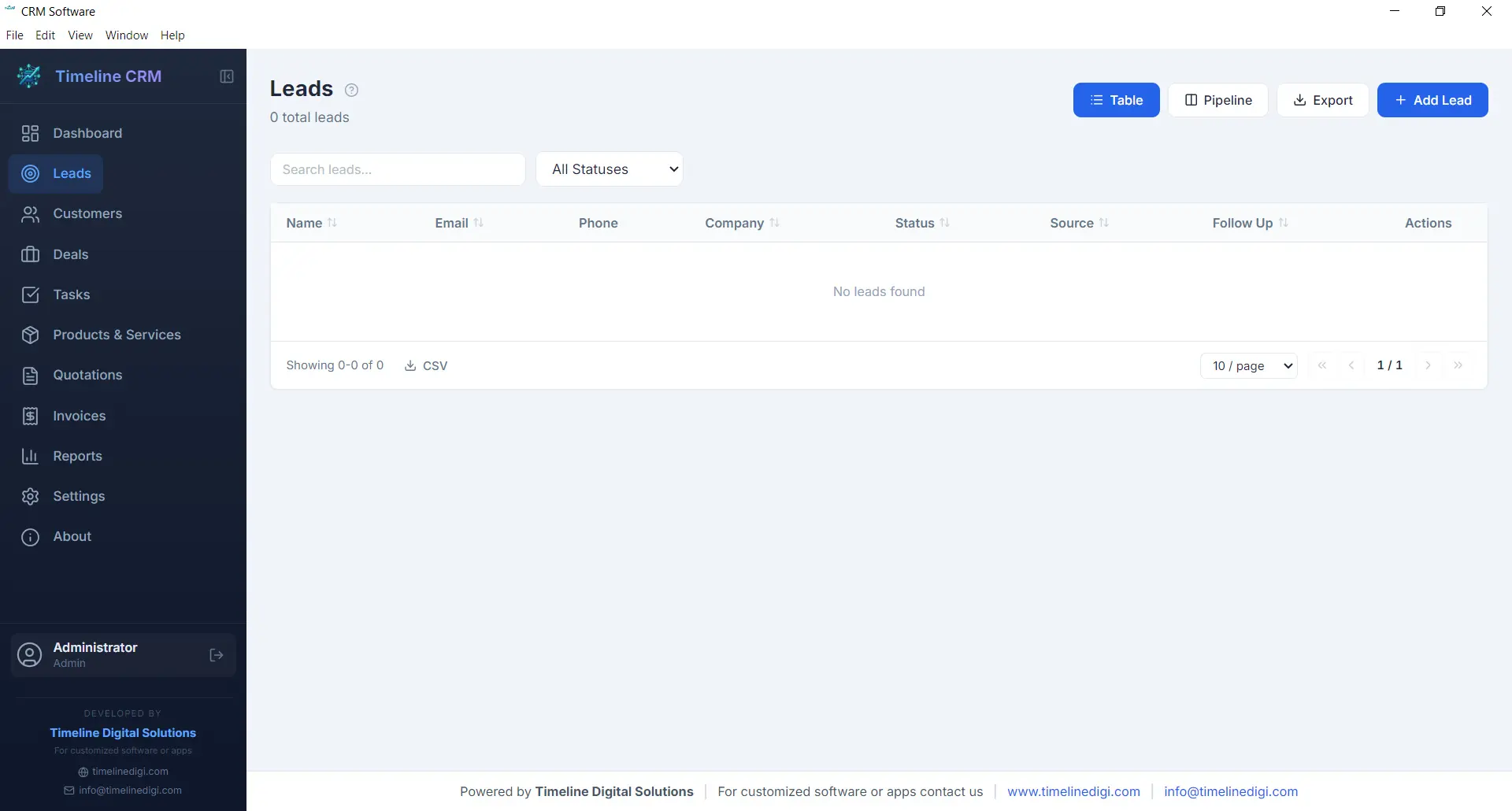
The Leads module is where every potential customer relationship begins. Capture new leads with detailed contact information, company details, and source tracking. Each lead is placed into a structured seven-stage pipeline — New, Contacted, Qualified, Proposal, Negotiation, Won, and Lost — so you always know exactly where every prospect stands in your sales process.
As you work with each lead, you can log phone calls, record meeting notes, attach documents, and track every interaction. This complete history ensures that no context is lost when you follow up days or weeks later. The pipeline view gives you a visual representation of your entire lead funnel, making it easy to spot bottlenecks and prioritize your outreach efforts.
- Seven-stage pipeline: New, Contacted, Qualified, Proposal, Negotiation, Won, Lost
- Call logging with date, duration, and notes
- Lead source and priority tracking
- Convert leads to customers with one click
Customers
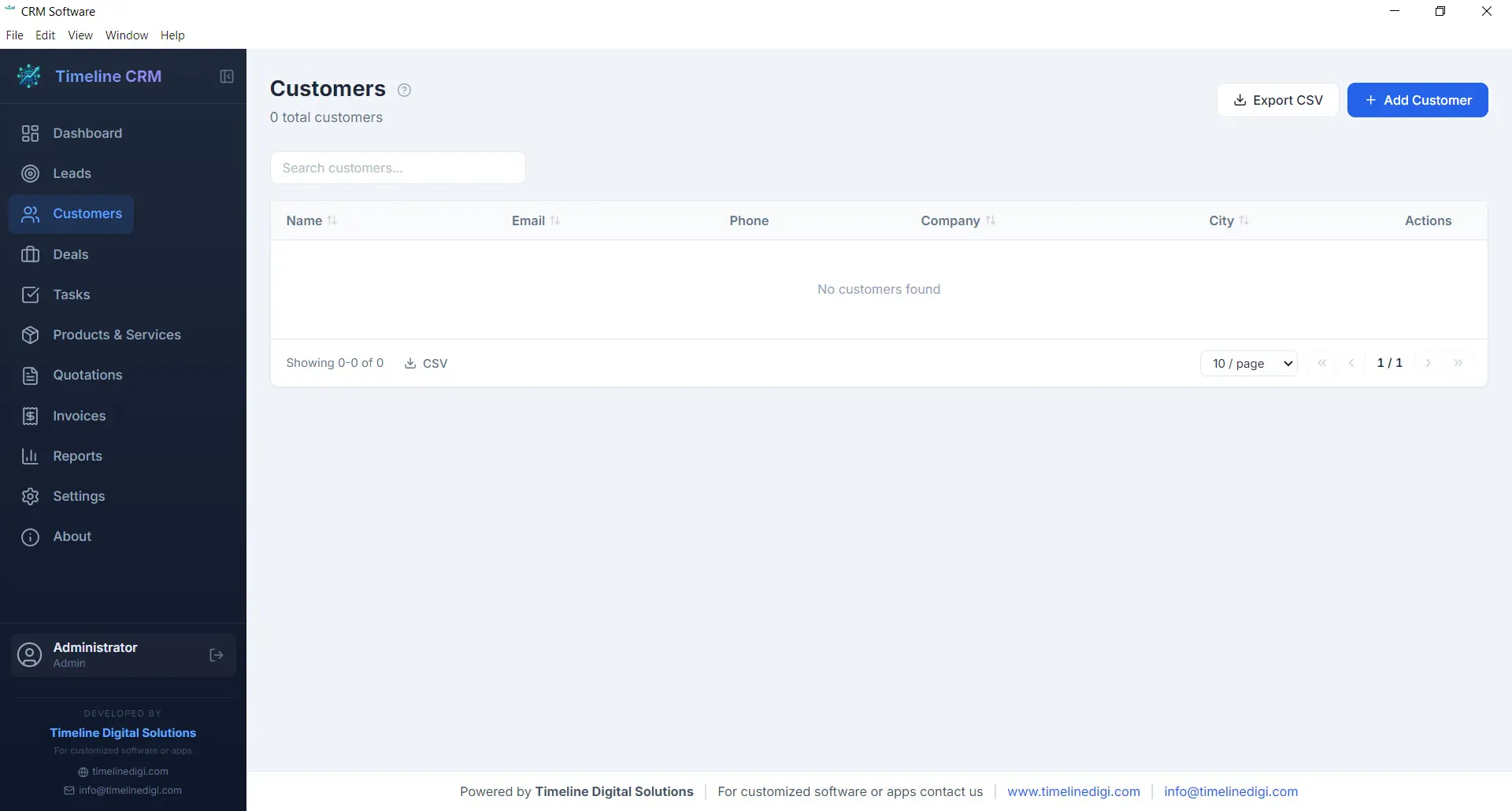
Your customers are the backbone of your business, and the Customers module helps you manage every relationship with care. Store comprehensive contact information, company details, billing addresses, and communication preferences in one organized record. When a lead is converted to a customer, all their history transfers automatically so nothing is lost in the transition.
Each customer profile acts as a hub connecting all related business data. Open any customer record and you can instantly view their associated deals, outstanding invoices, past quotations, and every note or interaction logged over time. This 360-degree view enables you to provide better service, anticipate needs, and build long-term relationships that drive repeat business.
- Complete contact and company profiles
- Full interaction and transaction history
- Linked deals, invoices, and quotations
- CSV export for customer data
Deals
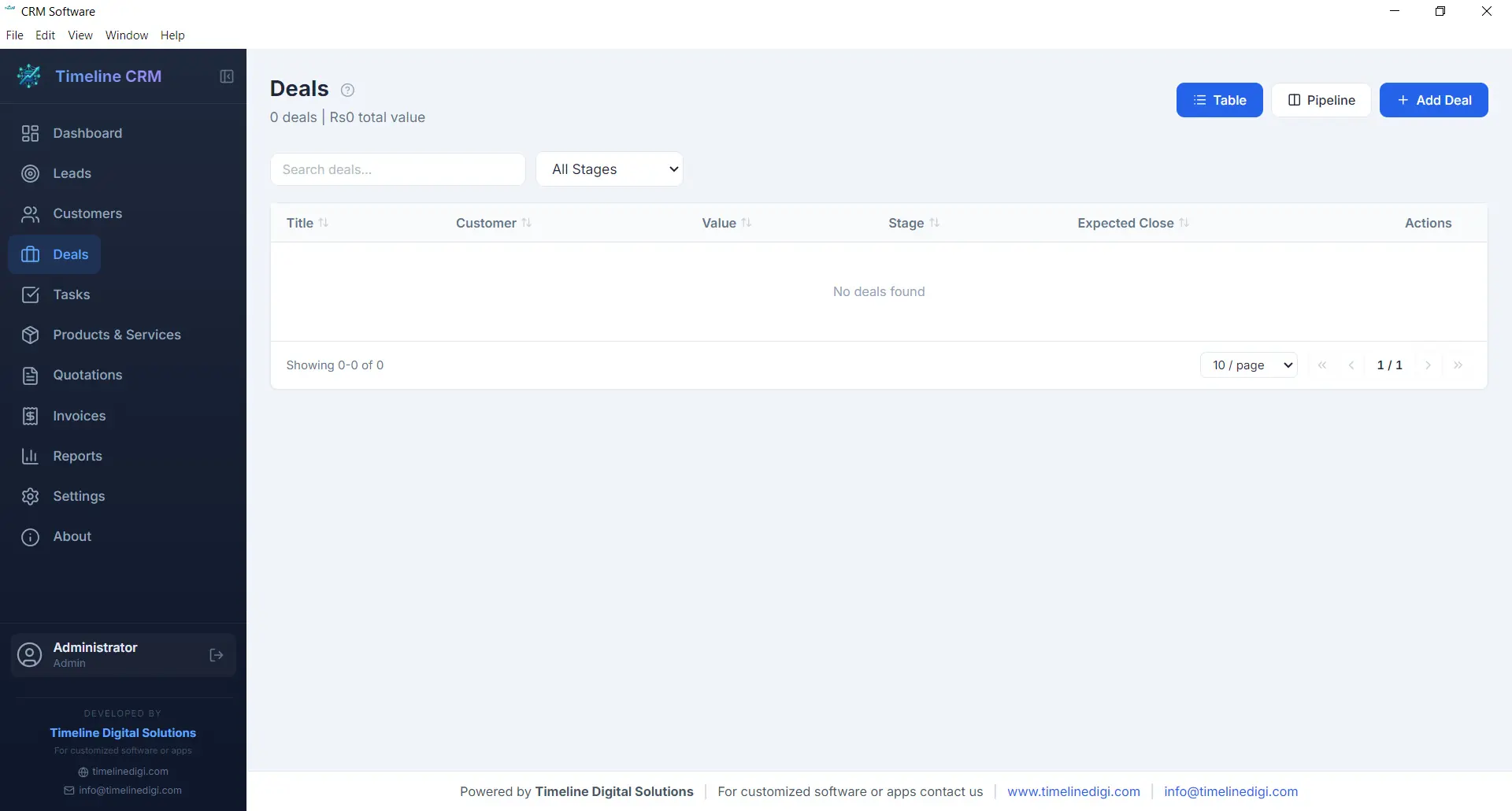
The Deals module tracks every sales opportunity from first conversation to closed contract. Each deal is assigned a monetary value, an expected close date, and a probability percentage, giving you accurate revenue forecasting at all times. The six-stage pipeline — Prospect, Qualification, Proposal, Negotiation, Won, and Lost — provides a clear visual workflow that keeps your sales process structured and predictable.
Deals are linked to specific customers and can reference related quotations, making it easy to track the progression from initial quote to final agreement. You can add notes, update stages with a single click, and monitor your weighted pipeline value to understand projected revenue. For business owners who need clarity on what money is coming in and when, the Deals module delivers that visibility.
- Six-stage pipeline: Prospect, Qualification, Proposal, Negotiation, Won, Lost
- Deal value, probability, and expected close date
- Revenue forecasting with weighted pipeline
- Linked to customers and quotations
Tasks
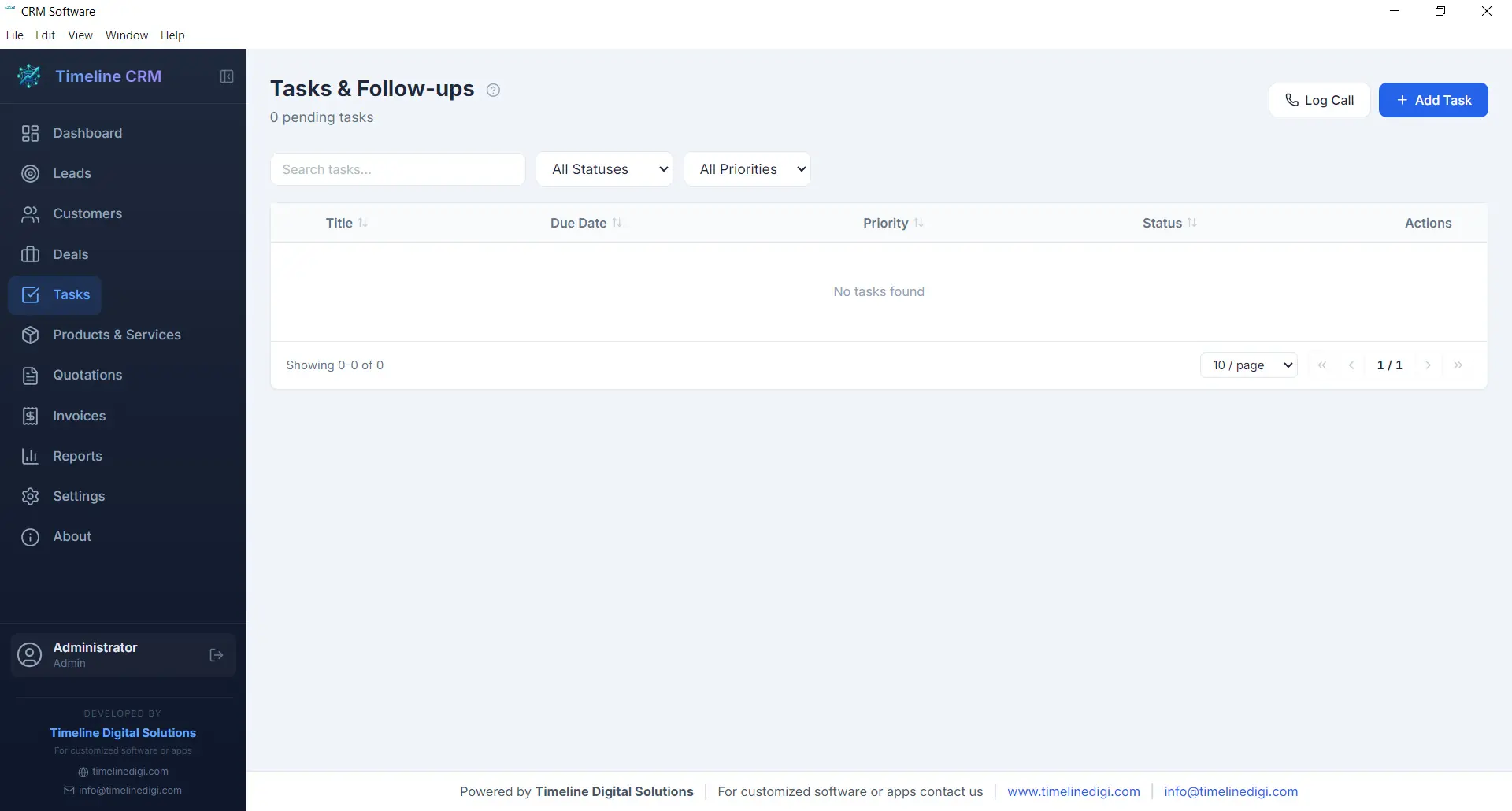
Staying organized is essential when you are managing multiple leads and deals simultaneously. The Tasks module gives you a straightforward way to create, prioritize, and track action items that keep your business moving forward. Each task can include a title, description, due date, priority level, and status, making it easy to see what needs attention right now.
Tasks can be linked to specific leads, customers, or deals, providing context about why the task exists and what it relates to. Whether you need to follow up with a prospect, prepare a proposal, or review an invoice, the Tasks module ensures nothing slips through the cracks. Overdue tasks are highlighted on the Dashboard so you can take action before opportunities are missed.
- Create tasks with due dates and priority levels
- Link tasks to leads, customers, or deals
- Status tracking: pending, in progress, completed
- Overdue task alerts on the Dashboard
Products
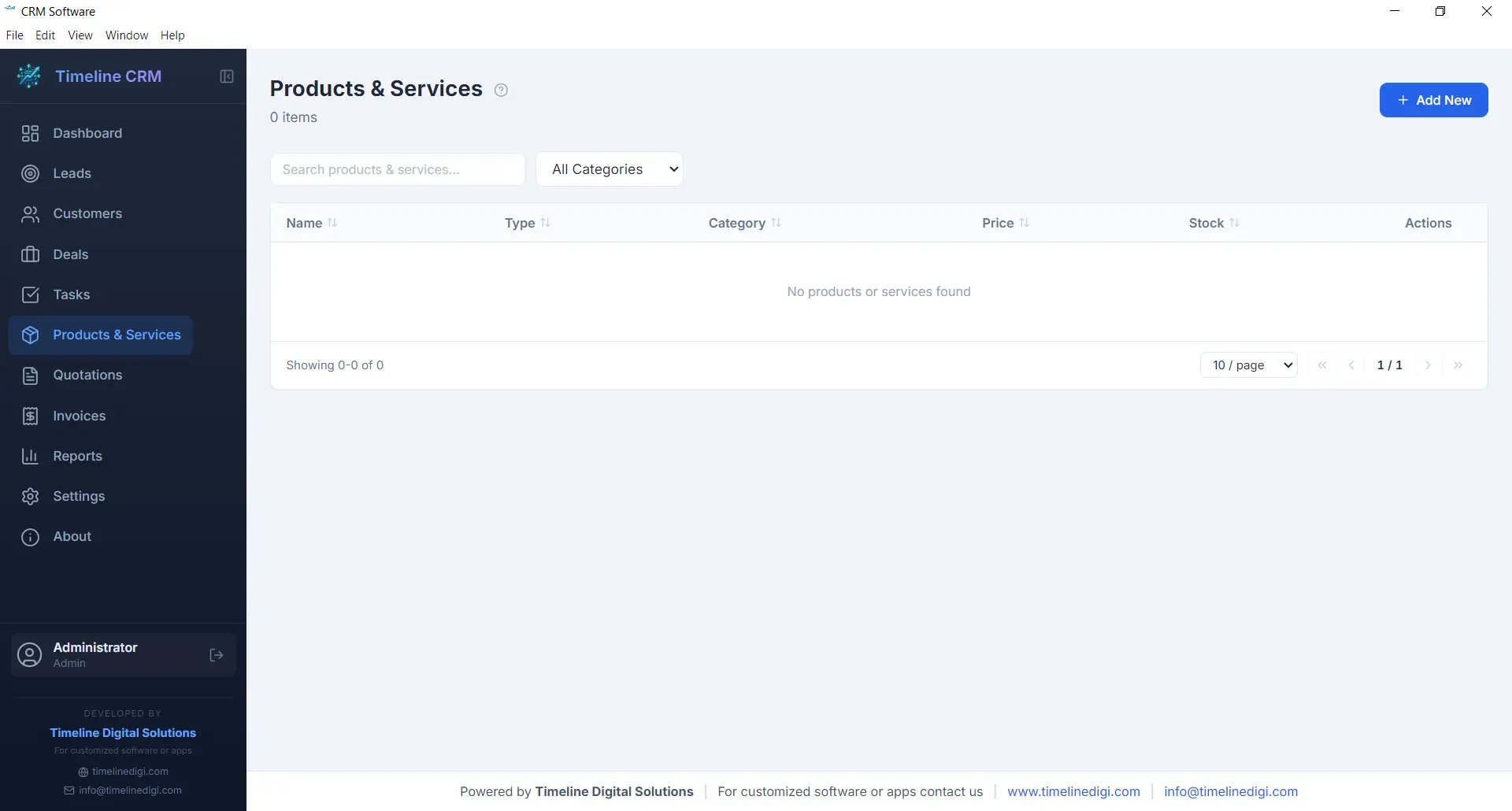
The Products module serves as your centralized catalog for everything your business sells, whether physical products, services, or subscription packages. Each product entry includes a name, description, unit price, and category, allowing you to build a well-organized inventory that feeds directly into your quotations and invoices.
Having a product catalog eliminates the repetitive task of manually entering item details every time you create a new quotation or invoice. Simply select products from your catalog, specify quantities, and the system handles the rest — including price calculations and line item formatting. This saves time, reduces errors, and ensures consistency across all your business documents.
- Centralized product and service catalog
- Name, description, price, and category fields
- Direct integration with quotations and invoices
- Unlimited product entries
Quotations
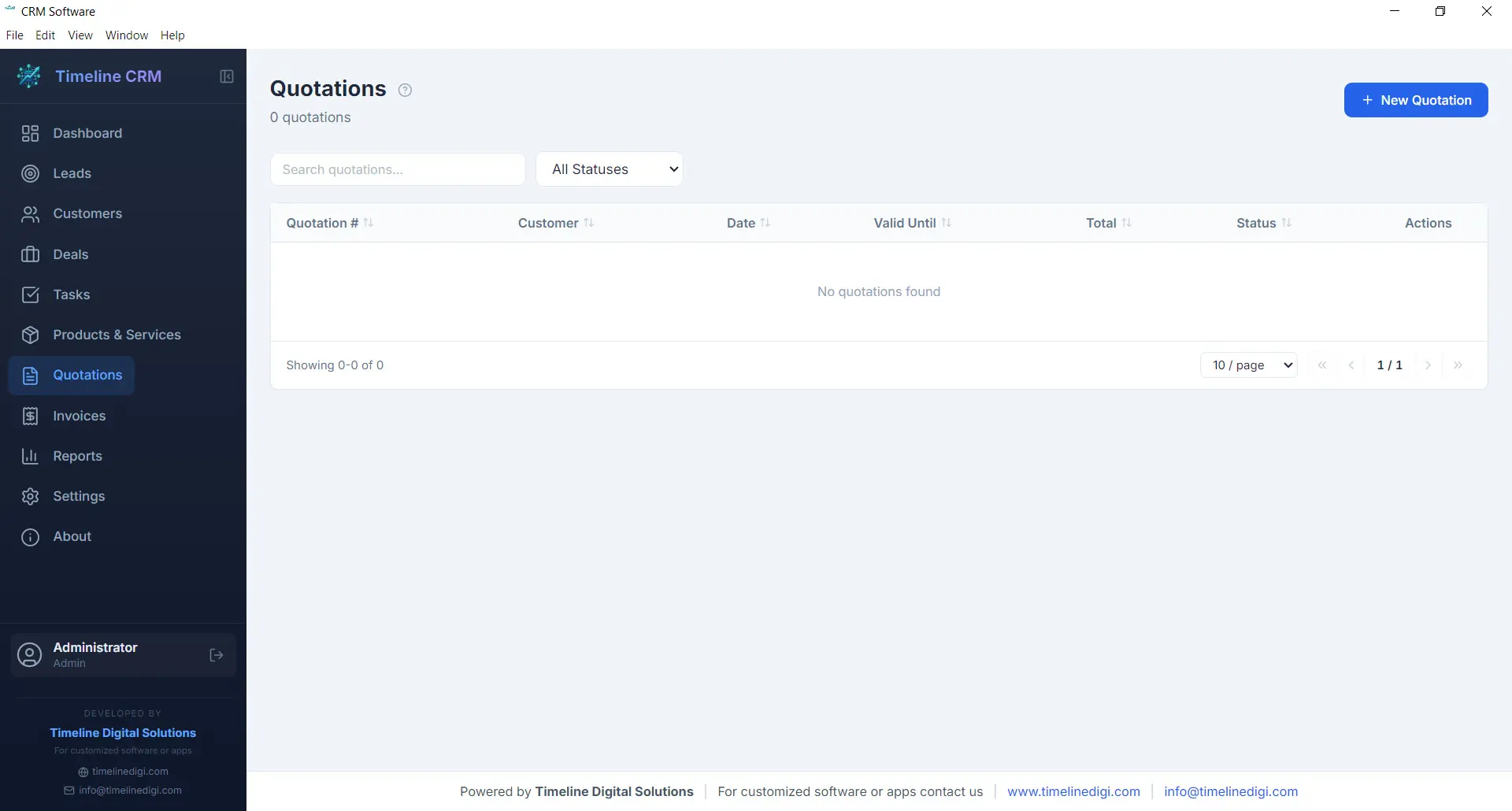
When a prospect is ready to hear your pricing, the Quotations module helps you respond quickly with a professional, branded document. Create quotations by selecting a customer, adding line items from your product catalog, adjusting quantities and pricing as needed, and generating a polished PDF in seconds. Auto-numbering ensures every quotation has a unique reference number for easy tracking.
Each quotation records the creation date, validity period, total amount, and current status. You can track whether a quote is pending, accepted, or rejected, giving you clear visibility into your conversion rates. Quotations can be linked to specific deals, so when a prospect accepts your quote, you can update the deal stage and move seamlessly toward closing the sale.
- Professional PDF quotation generation
- Auto-numbering with customizable prefix
- Line items from product catalog with quantity and pricing
- Status tracking: pending, accepted, rejected
Invoices
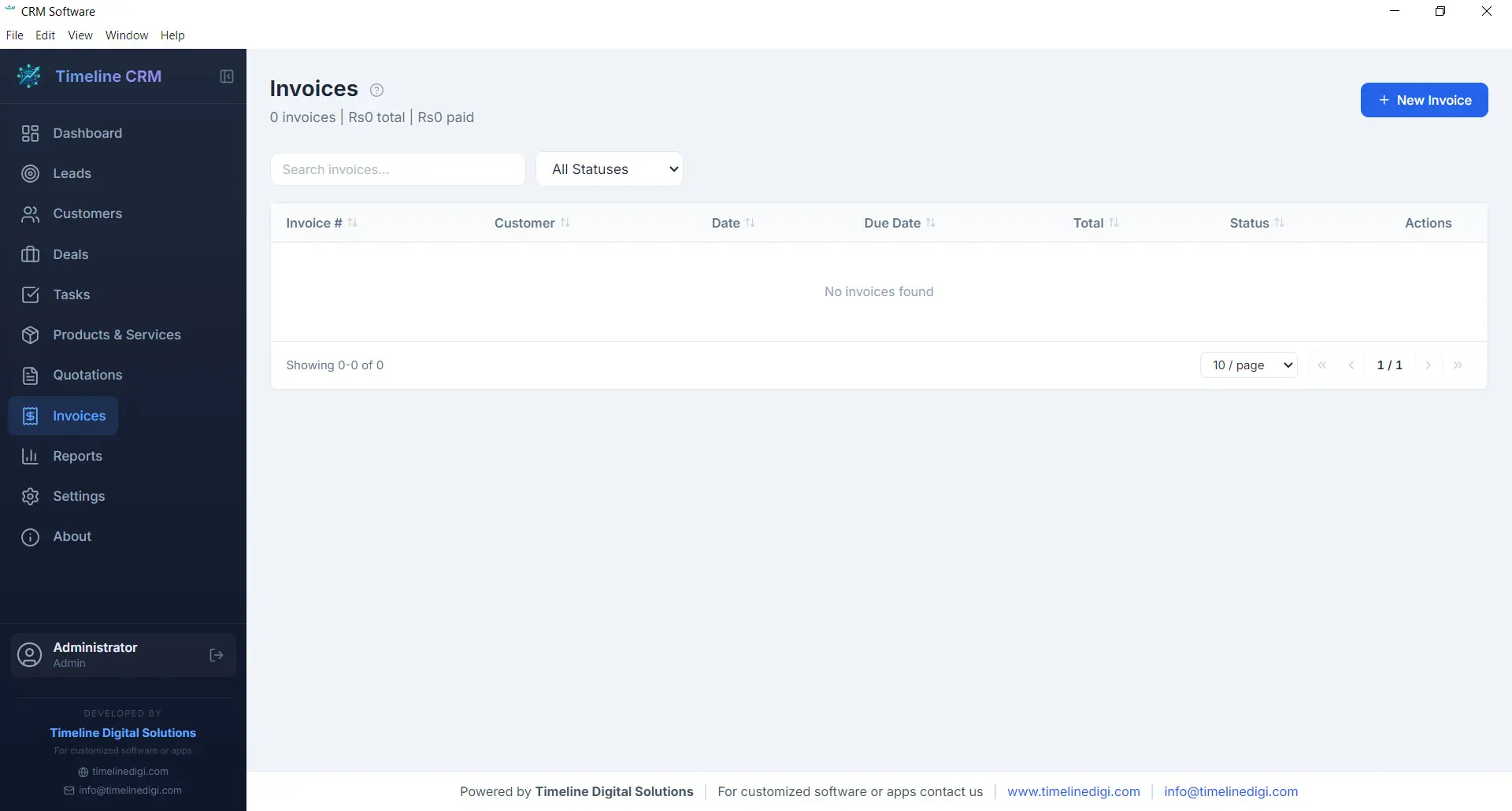
The Invoices module streamlines your billing workflow from creation to payment tracking. Generate detailed invoices with line items pulled from your product catalog, automatic tax calculations based on your configured rates, and professional formatting that represents your business well. Every invoice receives a unique auto-generated number for organized record keeping.
Track the payment status of each invoice — whether it is unpaid, partially paid, or fully settled — so you always know where your receivables stand. Export invoices as PDF documents to share with customers via email or print. The invoicing module works hand-in-hand with your customer and deal records, keeping your financial data connected to the rest of your business operations.
- PDF invoice generation with professional formatting
- Automatic tax calculations
- Payment status tracking: unpaid, partial, paid
- Auto-numbering with customizable prefix
Reports
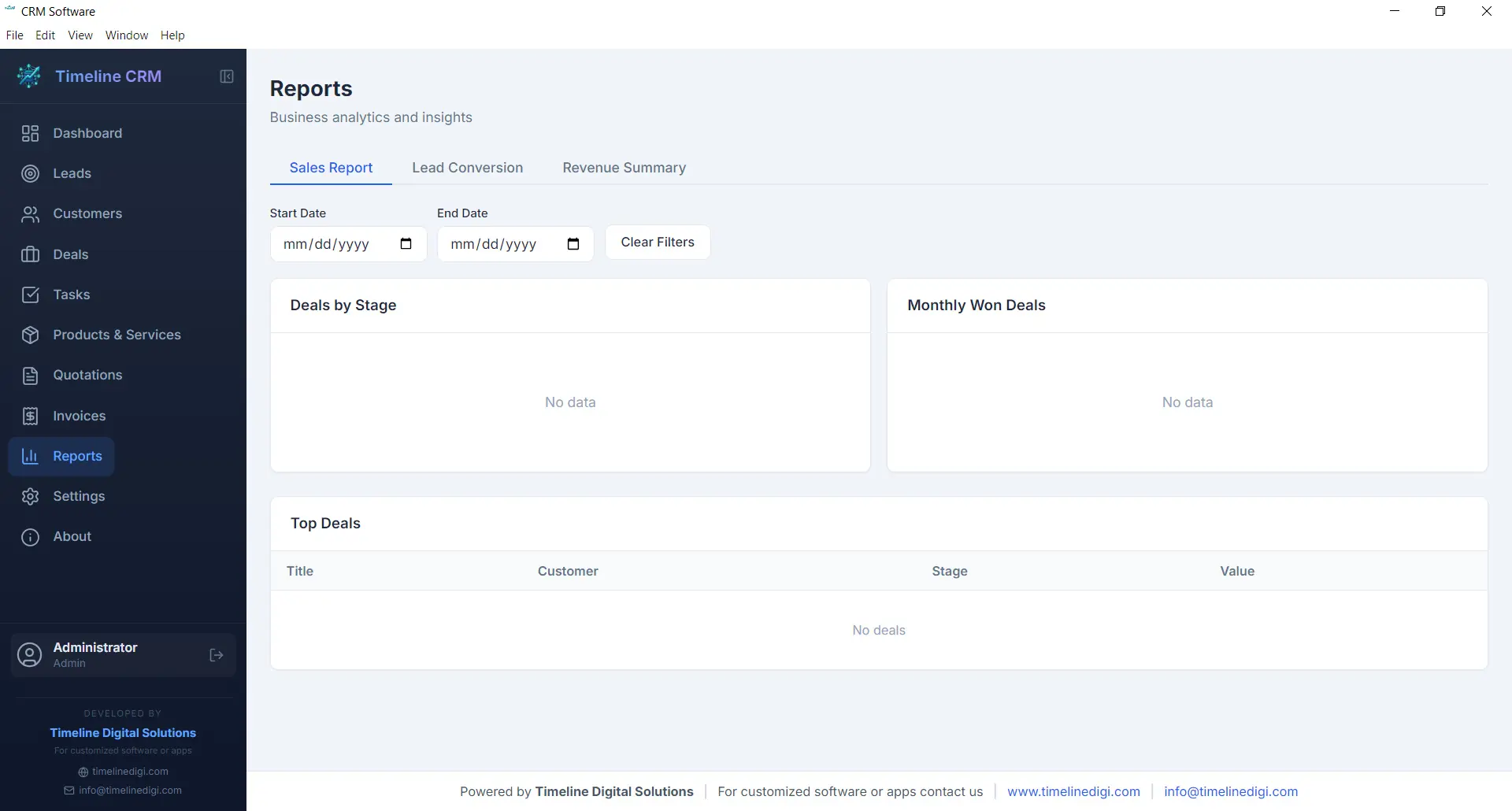
Data-driven decisions lead to better outcomes, and the Reports module gives you the insights you need without requiring a data analyst. Generate reports on sales performance, lead conversion rates, revenue trends, and pipeline health. Each report presents your data in clear, readable formats that help you understand what is working and what needs improvement.
Reports can be exported as CSV files for further analysis in spreadsheet applications or for sharing with business partners and accountants. Whether you need a monthly sales summary, a breakdown of deals by stage, or an overview of your lead sources, the Reports module produces the numbers you need to steer your business confidently.
- Sales performance and revenue reports
- Lead conversion and pipeline analysis
- CSV export for external analysis
- Visual charts and data summaries
Settings
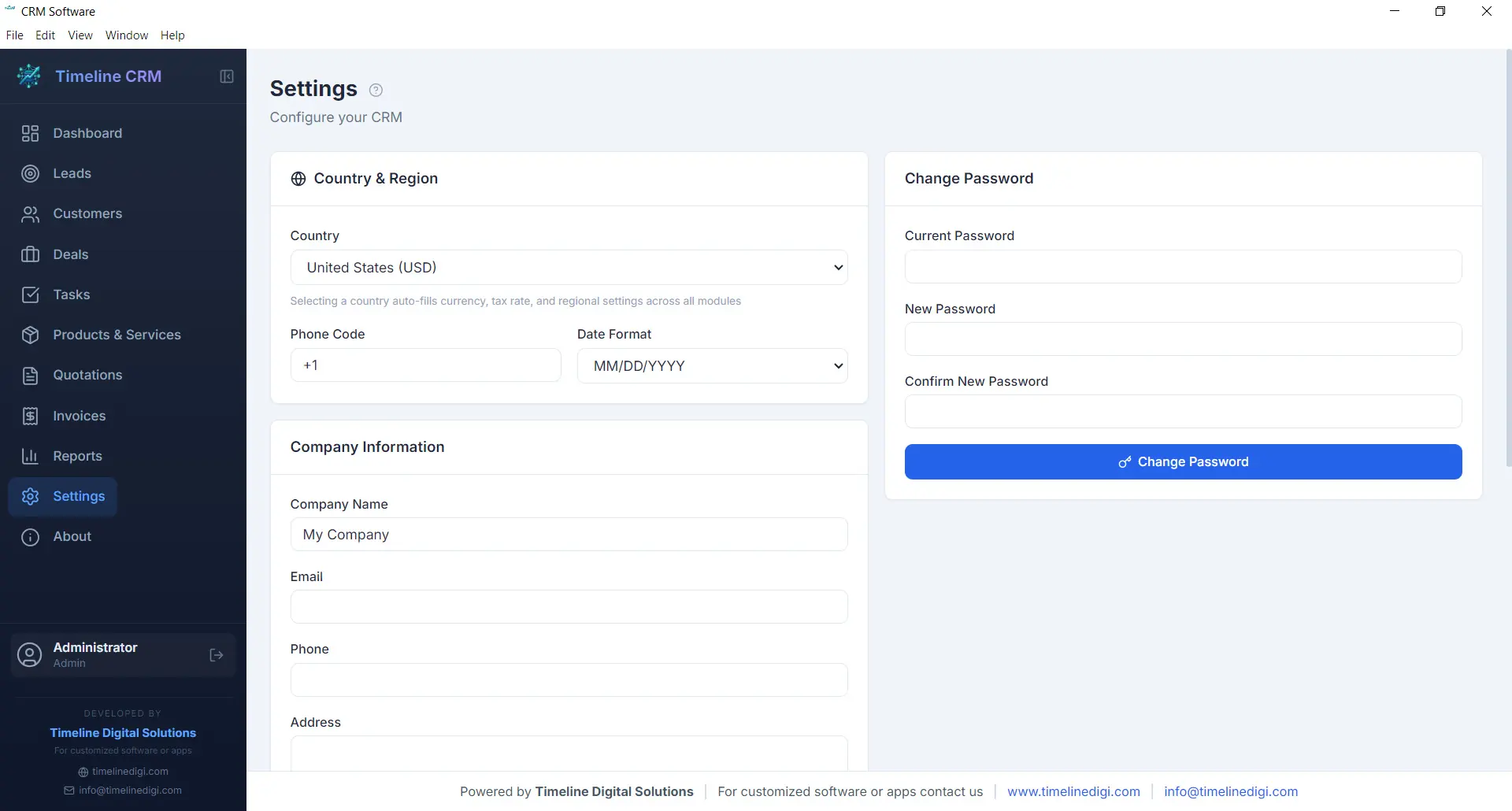
Every business has unique requirements, and the Settings module lets you tailor Timeline CRM to match yours. Configure your company name, logo, address, and contact details so that all generated documents — quotations and invoices — carry your branding. Set your preferred currency, tax rates, and country-based formatting to ensure financial calculations and number formats are correct for your region.
Customize auto-numbering prefixes for quotations and invoices to match your existing document numbering scheme. Adjust date formats, language preferences, and other display options to create a workspace that feels familiar and efficient. The Settings module is designed to be configured once and then work seamlessly in the background as you use every other module.
- Company profile and branding configuration
- Currency, tax, and country-based settings
- Auto-numbering prefix customization
- Date format and display preferences
Offline & Secure
Privacy and data ownership are fundamental principles of Timeline CRM. Unlike cloud-based CRM systems that store your sensitive business data on third-party servers, Timeline CRM keeps everything on your local machine. The application uses SQLite as its database engine, storing all your leads, customers, deals, invoices, and other records in a single file on your hard drive that you fully control.
Because the application works entirely offline, you are never vulnerable to server outages, internet disruptions, or subscription cancellations that could lock you out of your own data. Your business information is always accessible, always private, and always yours. Back up your data by simply copying the database file, and rest assured that no one else has access to your customer information.
- 100% local data storage using SQLite
- No internet connection required
- No third-party data access or sharing
- Simple file-based backup and portability
All These Features. Completely Free.
Every module, every feature, every capability described above is included at no cost. Download Timeline CRM and start using all eleven modules today — no trial period, no feature restrictions, no credit card required.
Download Timeline CRM FreeVersion 1.0.0 • Windows 10/11 • 64-bit
See Timeline CRM in Action
Timeline CRM helps businesses manage leads, contacts, deals, quotations, invoices, and follow-ups in one place. Explore core workflows and compare related guides to choose the best setup for your team.