
Free CRM for Real Estate — Full-Featured Agent Software at Zero Cost
For independent real estate agents and small brokerages, software costs represent one of the most frustrating overhead expenses in a commission-driven business. When your income varies from month to month based on closings, committing to CRM subscriptions that cost twenty-five to one hundred fifty dollars per month per user feels like a gamble — one that many agents lose when a quiet quarter forces them to cancel and start over from scratch. The reality is that most real estate agents need a CRM that does the fundamentals exceptionally well: capture every lead, track every deal through its stages, maintain organized client records, generate professional proposals and invoices, and schedule tasks so nothing falls through the cracks. They do not need an enterprise platform with hundreds of integrations they will never configure. Timeline CRM is a completely free desktop CRM application for Windows that was built for exactly this use case. It includes eleven fully unlocked modules — Dashboard, Leads with a 7-stage Kanban pipeline, Customers, Deals with a 6-stage pipeline, Tasks, Products, Quotations with auto-numbering and PDF export, Invoices with payment tracking and PDF generation, Reports and Analytics, Settings, and Offline operation with local Security. There are no subscription fees, no per-user charges, no contact limits, no premium tiers, and no internet requirement. Built with Electron, React, and SQLite by Timeline Digital Solutions, Timeline CRM runs entirely on your Windows 10 or 11 machine with all data stored locally on your own hardware.
Developed By
Timeline Digital Solutions
For customized software or apps, contact Timeline Digital Solutions. We build practical business software, CRM systems, and tailored digital tools for real-world business operations.
Table of Contents
The Cost Challenge for Independent Real Estate Agents
Independent real estate agents and small brokerages face a unique financial reality that sets them apart from most other professionals when it comes to software expenses. Unlike salaried employees with predictable monthly income, real estate agents earn commissions that arrive irregularly based on when deals close. A strong month with multiple closings might be followed by weeks with no income at all. This feast-or-famine income pattern makes fixed monthly expenses particularly burdensome, and CRM subscriptions are one of the most common software costs that agents struggle to justify during lean periods when every dollar counts.
The typical real estate CRM subscription ranges from twenty-five to one hundred fifty dollars per month, with specialized platforms charging even more for advanced features like automated drip campaigns and MLS integration. Over the course of a year, even a moderately priced CRM adds three hundred to eighteen hundred dollars to your operating expenses — money that comes directly out of your commission earnings. For new agents building their client base with limited initial revenue, this expense is especially difficult to absorb and justify.
Some agents attempt to avoid CRM costs entirely by relying on spreadsheets, paper notebooks, or scattered notes in their phone contacts. While these makeshift solutions cost nothing, they lack the structured pipeline views, automated task reminders, document generation, and reporting capabilities that a proper CRM provides. The result is missed follow-ups, forgotten leads, disorganized client records, and ultimately lost commissions that would have more than paid for the CRM in the first place. Timeline CRM resolves this dilemma by providing a professional-grade CRM with full functionality at absolutely zero cost, allowing agents to maintain organized, productive workflows regardless of their current income cycle or how long they have been in the business.
Benefits of a Free CRM for Real Estate Professionals
The most obvious benefit of a free CRM is the elimination of subscription costs, but the advantages extend well beyond simple savings. A free CRM removes the psychological barrier to adoption that prevents many agents from using CRM software in the first place. When there is no financial commitment involved, there is no risk in trying the tool, no pressure to justify the expense to yourself or your brokerage, and no guilt if you have a week where you do not log in. This low-pressure environment actually increases the likelihood that you will build consistent CRM habits because you are using the tool because it genuinely helps your workflow, not because you paid for it and feel obligated to get your money's worth.
A free CRM also provides financial stability for your business technology stack. With paid CRM platforms, price increases, plan restructuring, and unexpected feature removals can force you to migrate to a different platform or pay more than you originally budgeted. With Timeline CRM, the application is installed on your computer and the cost will not change because there is no cost to change. Your CRM workflow remains stable and predictable for as long as you choose to use it. Additionally, because Timeline CRM is a desktop application that stores data locally, you gain complete independence from cloud service availability. Your CRM cannot be shut down because a vendor went out of business, your data cannot be held hostage by a subscription you can no longer afford, and your workflow is never disrupted by cloud outages.
For real estate agents specifically, the offline capability of Timeline CRM is a benefit that paid cloud CRMs simply cannot match at any price point. Agents spend most of their working day in the field at property showings, open houses, and client meetings. Having a CRM that works instantly without internet means you can update lead records, check deal status, and create detailed notes in real time at any location — even in basements, rural properties, or buildings with no cellular signal. This immediacy reduces data loss from forgotten details and ensures that every prospect interaction is captured while it is still fresh, directly improving your follow-up quality and conversion rates.
Managing Property Leads and Inquiries in Timeline CRM
In real estate, leads come from everywhere — online listing inquiries, open house sign-in sheets, referrals from past clients, phone calls to your office, social media messages, yard sign calls, and walk-in visitors. Each one of these contacts represents a potential commission, and the difference between a successful agent and a struggling one often comes down to how systematically they follow up on every single inquiry. Timeline CRM's Leads module is designed to be the central hub where all your property inquiries are captured, organized, and tracked through a clearly defined process that ensures nothing gets lost.
When a new inquiry arrives, create a lead record in Timeline CRM with the prospect's name, contact details, the property or property type they are interested in, their approximate budget, preferred timeline for buying or selling, and the source of the inquiry. This source tracking is particularly important because over time, your Reports module will show you which lead sources generate the most qualified prospects and the highest conversion rates, helping you invest your marketing time and budget where it produces the best return. Once created, the lead appears on your 7-stage Kanban pipeline board where you can see it alongside all your other active prospects in a single comprehensive visual overview.
As you interact with each prospect, drag their card through the pipeline stages to reflect their current status. A new inquiry might move from the initial stage to contacted after your first call, then to qualified once you understand their budget and timeline, then to showing scheduled, then to proposal sent, and so on through the remaining stages. At each stage, add notes documenting what was discussed, what properties were shown, what objections were raised, and what the agreed next steps are. This structured approach ensures that no lead is ever forgotten, no follow-up is accidentally skipped, and you always know exactly where every prospect stands when you start your work day each morning.
Tracking Property Transactions as Deals
When a lead becomes a serious buyer or seller ready to engage in a transaction, the Deals module in Timeline CRM takes over the tracking process. While the Leads pipeline manages prospects and early-stage inquiries, the Deals pipeline focuses on active transactions that involve concrete actions like making offers, negotiating terms, signing contracts, conducting inspections, and proceeding toward closing. This separation between leads and deals keeps your workspace organized and ensures you can clearly distinguish between prospects who still need nurturing and transactions that need active daily management to reach the closing table.
Create a deal for each active property transaction and assign it a monetary value — this could be the property price, your expected commission percentage applied to the sale price, or whatever figure is most useful for your financial forecasting. Set the anticipated closing date so you can project your upcoming income and plan your monthly budget accordingly. Link the deal to the customer record so all related information — contact details, communication history, linked quotations, and invoices — is connected in one place. The 6-stage deal pipeline provides a visual Kanban board where each deal card moves through columns representing transaction phases such as proposal submitted, under negotiation, contract signed, inspection period, final preparations, and closed.
The Tasks module works hand-in-hand with deal tracking to ensure nothing slips through the cracks during a transaction. For each active deal, create tasks for every required action with specific due dates: submit the offer by Friday, schedule the home inspection for next week, confirm the appraisal appointment, coordinate with the title company before the fifteenth, verify financing status with the lender, prepare closing documents, and follow up with the client post-closing. Each task has a due date and priority level, and the Tasks module gives you a centralized view of everything you need to accomplish across all your active deals, keeping your transactions moving toward closing on schedule.
Property Proposals, Listing Catalogs, and Professional Documents
Professional documentation sets serious real estate agents apart from their competitors. When you present a client with a polished property proposal rather than a hastily typed email or a verbal description, you demonstrate the level of care and professionalism that builds trust and wins business. Timeline CRM's Quotations module serves as a powerful tool for creating these property proposals at no cost. Add line items for each property you are recommending to a buyer, include detailed descriptions covering key features like square footage, bedroom and bathroom count, lot size, location highlights, and asking price, apply any relevant tax calculations, and export the finished document as a clean, professional PDF.
Each quotation is automatically assigned a unique sequential reference number, creating a professional numbering system for all your proposals without any manual tracking. The quotation links to the relevant customer record and deal, so you maintain a complete document trail for every transaction from first proposal to final invoice. If a client requests changes to a proposal or wants to see different properties, you can create a revised version while the original remains in your records for reference. For agents who work with multiple clients simultaneously, this organized approach to proposal management saves significant time and eliminates the confusion of tracking documents across scattered email threads and file folders.
The Products module complements the quotation workflow by allowing you to build and maintain a catalog of your property listings. Create a product entry for each property in your portfolio with the full address, listing description, key selling features, photos reference notes, and asking price. When creating a proposal for a client, you can pull properties from your catalog directly into the quotation as line items rather than retyping the information each time. This saves time and ensures consistency across all your client-facing documents. For commission tracking and financial record-keeping, the Invoices module generates professional invoices with payment status tracking and PDF export, providing a complete financial workflow from initial proposal through final payment — all within one free application.
Managing Client Relationships Without Subscription Costs
Real estate is fundamentally a relationship business. The most successful agents build long-term client relationships that generate repeat business and referrals for years after the initial transaction closes. A single satisfied buyer who refers three friends to you over the next five years can generate tens of thousands of dollars in additional commissions — but only if you maintain an organized system for staying in touch and remembering the personal details that make each client feel valued and remembered. The Customers module in Timeline CRM provides this relationship management system at zero cost.
Create a detailed customer record for every buyer, seller, and prospect you work with. Store their complete contact information, property preferences, transaction history, important dates, and any personal notes that help you maintain a meaningful professional relationship over time. When a past client calls after two years asking about selling their home, you can pull up their record and immediately reference the property they purchased, the price they paid, the neighborhood they chose, and details from your previous conversations. This level of personalized attention impresses clients and reinforces their confidence in recommending you to everyone they know.
The fundamental advantage of managing these relationships in Timeline CRM is that your client database is permanent, private, and free. Unlike cloud CRM platforms where your data access depends on maintaining an active monthly subscription, Timeline CRM stores your entire client history locally on your computer for as long as you choose to keep it. You will never face a situation where you lose access to years of carefully built client records because you had to cancel a subscription during a slow month. Your customer database, complete lead history, deal records, proposals, invoices, and all associated documents remain on your machine, fully accessible, permanently. For agents building a career that spans decades, this permanence and zero-cost ownership of your most valuable business asset — your client relationships — is an advantage that no subscription-based CRM can match.
Everything You Need, Completely Free
Timeline CRM gives real estate agents a complete toolkit for managing leads, deals, clients, and documents without any subscription fees.
Lead Pipeline for Inquiries
Capture every property inquiry and track it through 7 visual Kanban stages from first contact to conversion. Record lead sources, add detailed notes, and log calls to stay on top of every prospect.
Deal Pipeline for Transactions
Track active property transactions through 6 defined stages from offer to closing. Assign expected values for commission forecasting and set closing dates for proactive timeline management.
Property Proposal Generator
Create professional property proposals with the Quotations module. Add property line items with detailed descriptions and export polished PDFs to present to your clients at showings and meetings.
Property Listing Catalog
Use the Products module to build a catalog of your property listings with descriptions, features, and pricing. Pull listings into proposals for quick, consistent, professional document generation.
Offline Field Access
Access your entire CRM at property showings, open houses, and client meetings without any internet connection. All data is stored locally for instant, reliable access everywhere you work in the field.
Commission and Invoice Tracking
Generate invoices for commission billing with payment status tracking, tax calculations, and PDF export. Maintain professional financial records for your real estate practice at absolutely no cost.
Frequently Asked Questions
Common questions about using a free CRM for real estate lead management, deal tracking, and client relationships.
Is there a truly free CRM for real estate agents? ▾
Yes. Timeline CRM is a completely free desktop CRM application for Windows that includes all the features real estate agents need without any subscription fees, per-user charges, or hidden costs. It provides a 7-stage lead pipeline, 6-stage deal tracking, customer management, quotation and proposal generation with PDF export, invoicing with payment tracking, task scheduling, product catalog, and reporting — all fully unlocked from the moment you install the application. There are no premium tiers, no contact limits, and no time-limited trials.
Why do real estate agents need a free CRM? ▾
Real estate agents work on commission-based income that fluctuates significantly from month to month and season to season. During slow periods, expensive CRM subscriptions become a financial burden that many agents choose to cancel, disrupting their organizational systems and losing valuable data. A free CRM removes this risk entirely by providing full functionality without recurring costs. Agents can maintain consistent lead tracking and deal management regardless of their income cycle, ensuring no opportunities are lost during quiet months.
How do I use Timeline CRM for tracking property leads? ▾
Use the Leads module to create a record for every property inquiry you receive from any source — website forms, phone calls, open house visitors, referrals, or listing platform messages. Enter the prospect name, contact information, property interest, budget range, and lead source. The 7-stage Kanban pipeline lets you visually track each lead from initial contact through qualification, showing, and proposal stages by dragging cards between columns. Add notes about property preferences and communication history to each lead record.
Can I create property proposals with Timeline CRM? ▾
Yes. The Quotations module in Timeline CRM is well-suited for creating detailed property proposals. Add line items for properties with descriptions, pricing, and relevant terms. The module supports automatic numbering so each proposal has a unique reference number, and you can export finished proposals as professional PDF documents to share with clients. Each quotation links to the relevant customer and deal records, maintaining a complete paper trail for every transaction in your real estate business.
How do I track real estate deals and transactions in Timeline CRM? ▾
The Deals module provides a 6-stage pipeline that maps naturally to real estate transaction phases. Create a deal when a lead converts to an active transaction, assign the expected value representing the property price or your commission, set the anticipated closing date, and link it to the customer record. Track the deal through stages such as proposal, negotiation, contract, and closing using the visual Kanban board. Each deal record maintains a history of associated quotations, notes, and tasks.
Does Timeline CRM work offline for real estate field work? ▾
Yes, Timeline CRM works 100% offline because it is a desktop application with all data stored locally in a SQLite database on your Windows computer. This is a major advantage for real estate agents who spend most of their day at property showings, open houses, and client meetings where internet connectivity is unreliable. Your complete CRM database is always accessible on your laptop without needing a Wi-Fi or cellular connection.
How can I use the Products module for property listings? ▾
The Products module in Timeline CRM can be repurposed to catalog your property listings. Create a product entry for each property with the listing description, address, key features, and asking price. When generating quotations or proposals for clients, you can pull these property listings directly into the document as line items. This creates a consistent, organized catalog of your available properties that integrates seamlessly with the proposal and invoicing workflow.
What is the difference between free CRM tiers and Timeline CRM? ▾
Many CRM platforms advertise free tiers that come with significant restrictions — limited contacts, restricted features, mandatory cloud storage, branded documents, and constant pressure to upgrade to paid plans. Timeline CRM is fundamentally different because there is only one version and it includes everything. All 11 modules are fully unlocked, there are no record limits, no branding restrictions, no feature gates, and no paid tiers to upgrade to. The application is free by design, not as a limited entry point to a paid product.
Start Managing Your Real Estate Business for Free
Download Timeline CRM and get a complete real estate CRM with lead pipelines, deal tracking, property proposals, and client management. No subscriptions, no limits, no catch.
Download Free Real Estate CRMRelated Pages
Real Estate CRM
Explore how Timeline CRM adapts to real estate workflows for property professionals.
Best CRM for Real Estate
See what makes the best real estate CRM and how Timeline CRM compares to paid alternatives.
Free CRM
Learn more about Timeline CRM as a free CRM solution across all industries and use cases.
Sales CRM
Discover how Timeline CRM's sales tools help you close more deals and track revenue.
Every Feature You Need,
Zero Cost
Timeline CRM packs a complete suite of business management tools into one free desktop application. From lead capture to invoice generation, every module is designed to help small businesses operate more efficiently without paying for expensive cloud subscriptions.
Dashboard
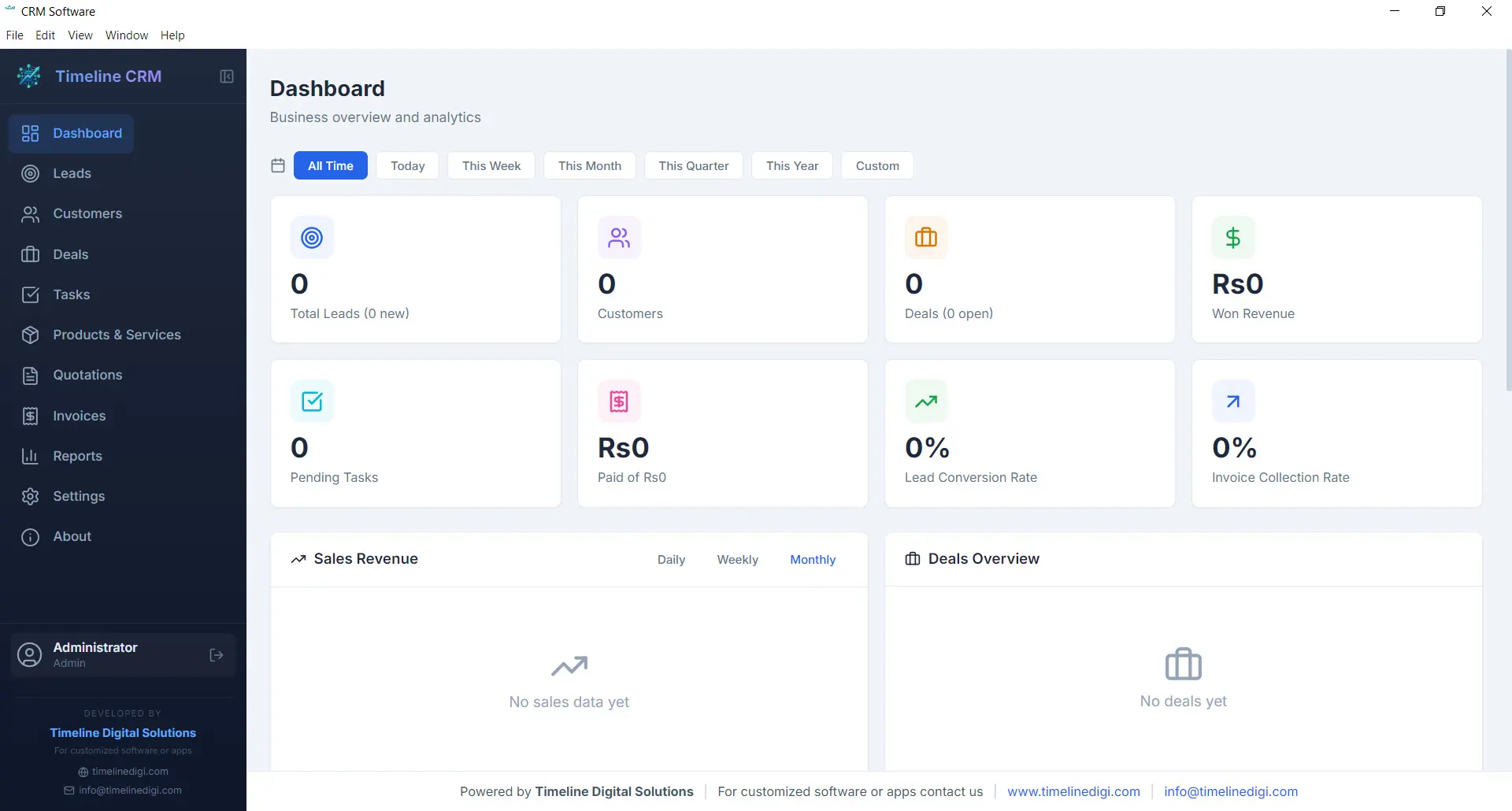
The Dashboard is your command center. Every time you open Timeline CRM, you are greeted with a comprehensive overview of your business performance. Key metrics are displayed prominently so you can gauge the health of your sales pipeline, track revenue trends, and identify areas that need attention — all without clicking through multiple screens.
Visual charts and summary cards present your data in an easy-to-digest format. Whether you want to see how many new leads came in this week, what your total deal value looks like, or which tasks are overdue, the Dashboard surfaces that information instantly. It is the first thing you see and the fastest way to stay on top of your business.
- Real-time business metrics and KPI cards
- Sales pipeline distribution chart
- Recent activity feed and upcoming tasks
- Revenue and lead trend visualizations
Leads
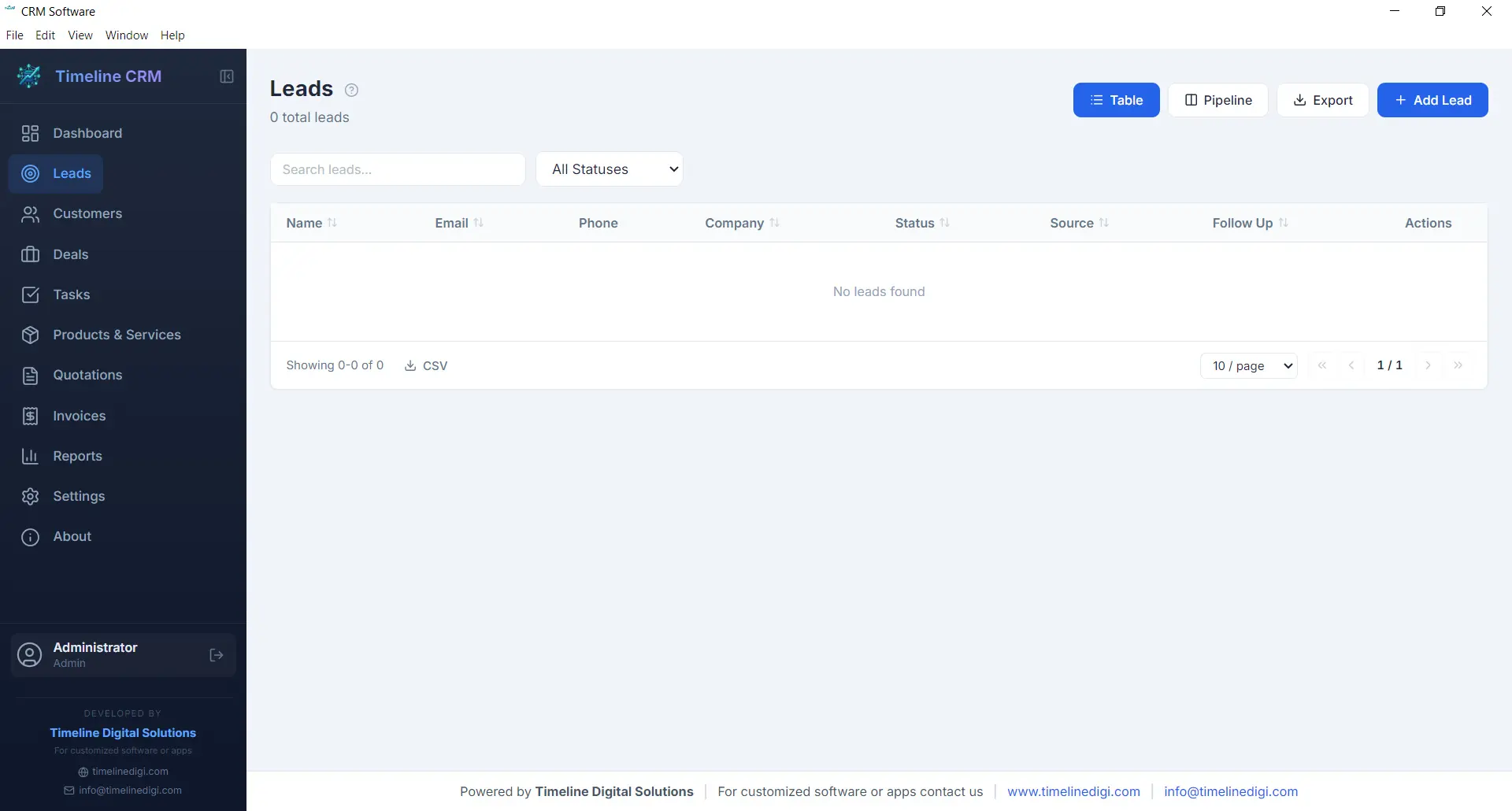
The Leads module is where every potential customer relationship begins. Capture new leads with detailed contact information, company details, and source tracking. Each lead is placed into a structured seven-stage pipeline — New, Contacted, Qualified, Proposal, Negotiation, Won, and Lost — so you always know exactly where every prospect stands in your sales process.
As you work with each lead, you can log phone calls, record meeting notes, attach documents, and track every interaction. This complete history ensures that no context is lost when you follow up days or weeks later. The pipeline view gives you a visual representation of your entire lead funnel, making it easy to spot bottlenecks and prioritize your outreach efforts.
- Seven-stage pipeline: New, Contacted, Qualified, Proposal, Negotiation, Won, Lost
- Call logging with date, duration, and notes
- Lead source and priority tracking
- Convert leads to customers with one click
Customers
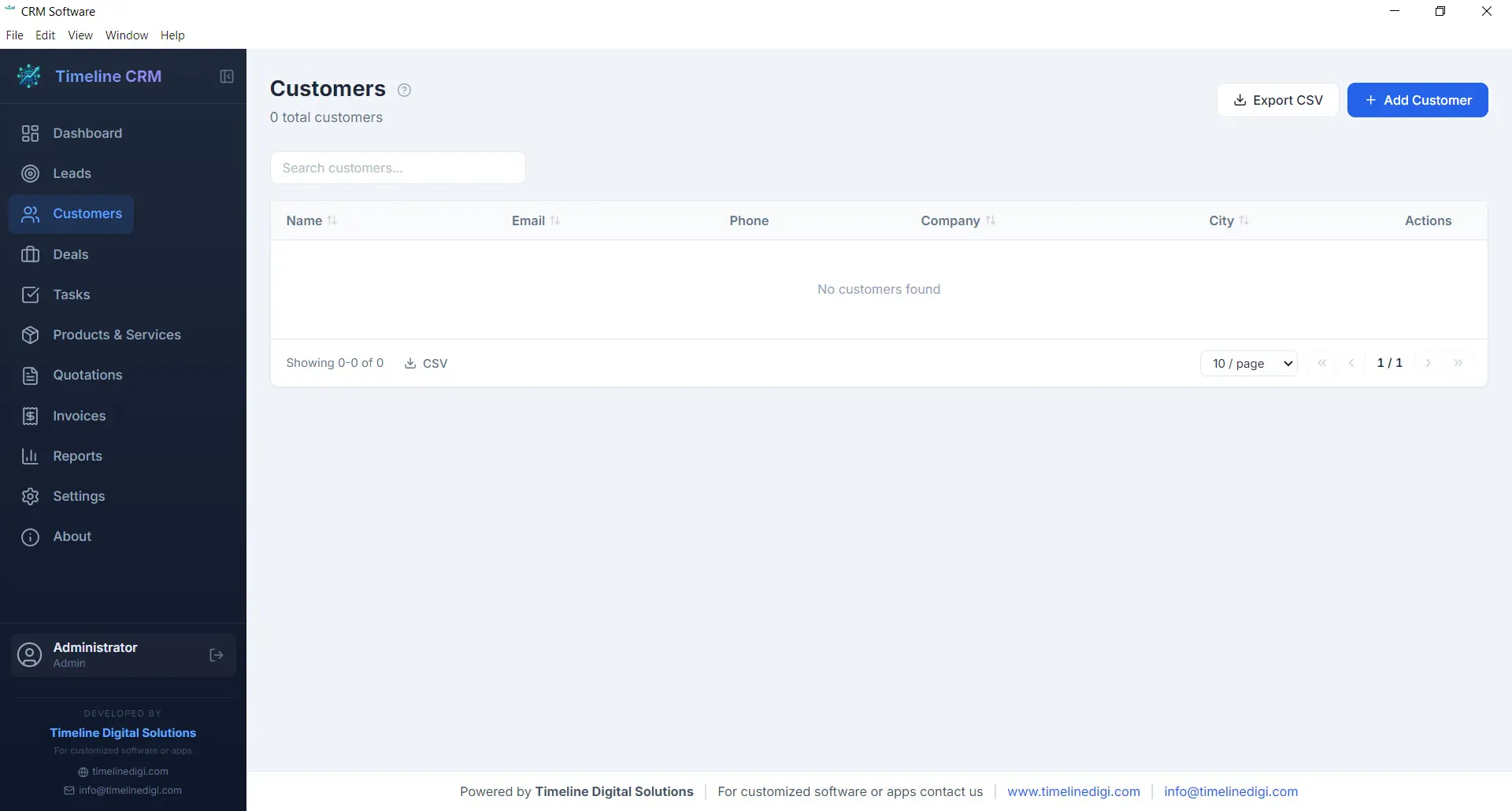
Your customers are the backbone of your business, and the Customers module helps you manage every relationship with care. Store comprehensive contact information, company details, billing addresses, and communication preferences in one organized record. When a lead is converted to a customer, all their history transfers automatically so nothing is lost in the transition.
Each customer profile acts as a hub connecting all related business data. Open any customer record and you can instantly view their associated deals, outstanding invoices, past quotations, and every note or interaction logged over time. This 360-degree view enables you to provide better service, anticipate needs, and build long-term relationships that drive repeat business.
- Complete contact and company profiles
- Full interaction and transaction history
- Linked deals, invoices, and quotations
- CSV export for customer data
Deals
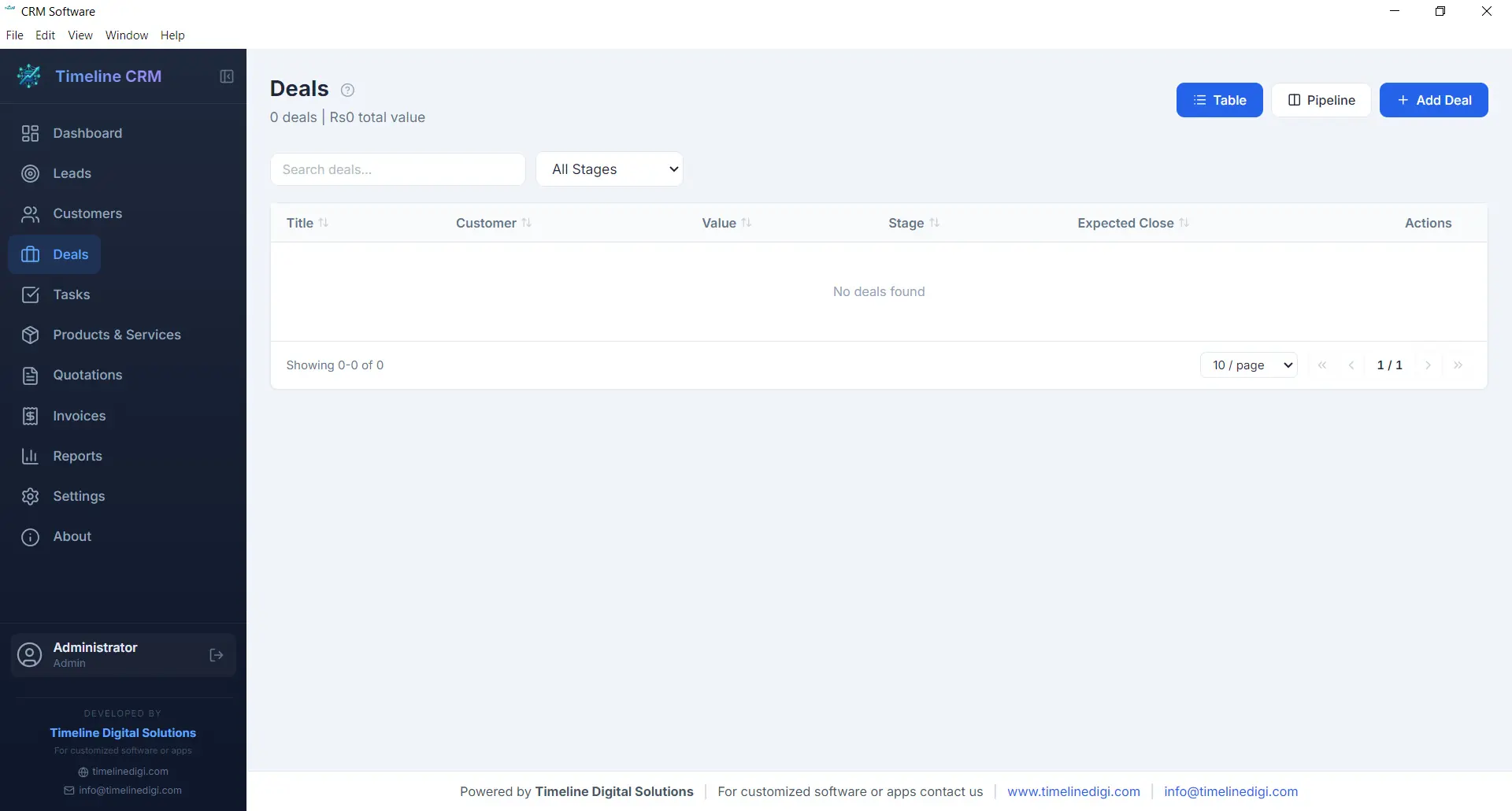
The Deals module tracks every sales opportunity from first conversation to closed contract. Each deal is assigned a monetary value, an expected close date, and a probability percentage, giving you accurate revenue forecasting at all times. The six-stage pipeline — Prospect, Qualification, Proposal, Negotiation, Won, and Lost — provides a clear visual workflow that keeps your sales process structured and predictable.
Deals are linked to specific customers and can reference related quotations, making it easy to track the progression from initial quote to final agreement. You can add notes, update stages with a single click, and monitor your weighted pipeline value to understand projected revenue. For business owners who need clarity on what money is coming in and when, the Deals module delivers that visibility.
- Six-stage pipeline: Prospect, Qualification, Proposal, Negotiation, Won, Lost
- Deal value, probability, and expected close date
- Revenue forecasting with weighted pipeline
- Linked to customers and quotations
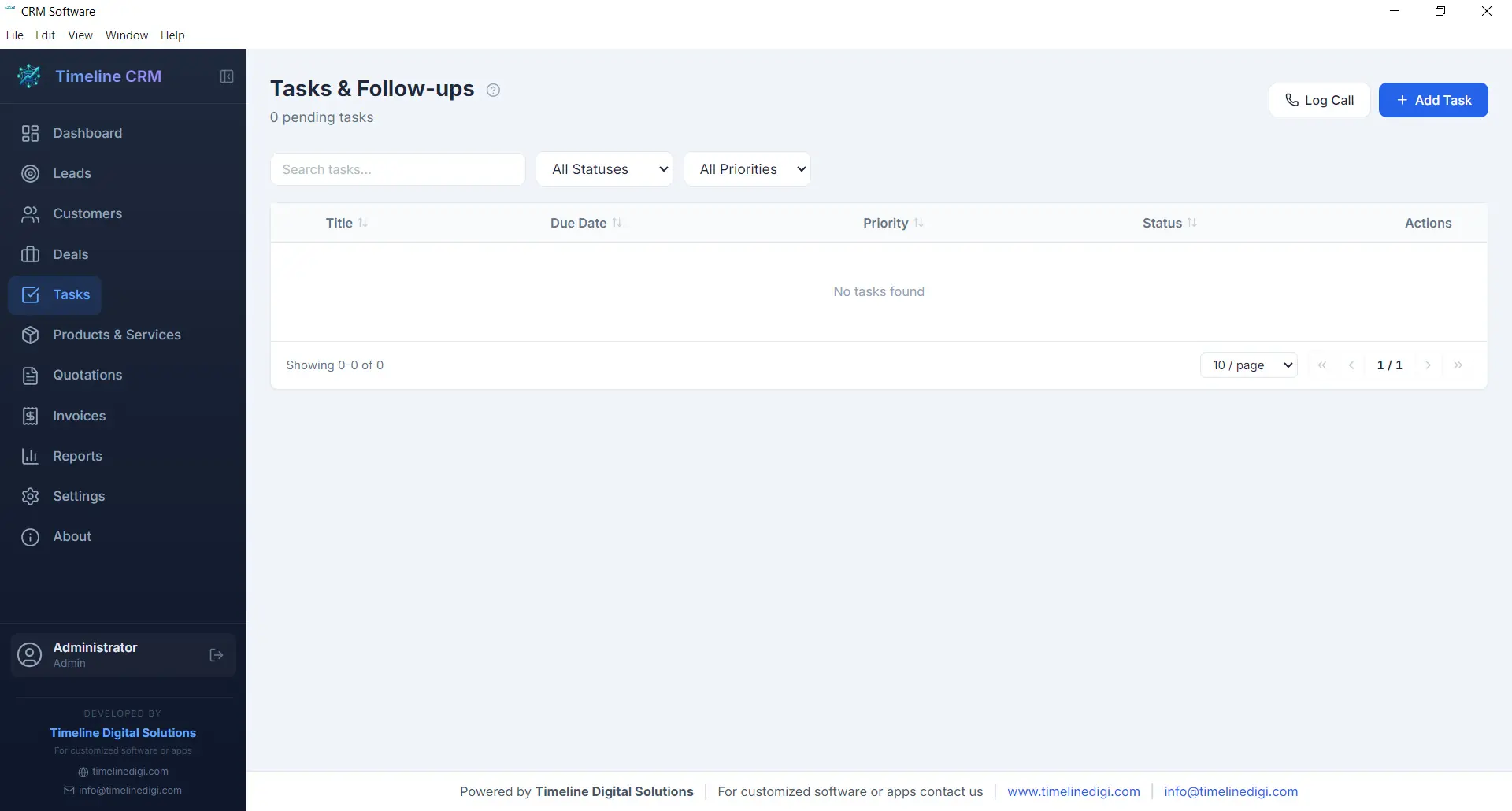
Tasks
Staying organized is essential when you are managing multiple leads and deals simultaneously. The Tasks module gives you a straightforward way to create, prioritize, and track action items that keep your business moving forward. Each task can include a title, description, due date, priority level, and status, making it easy to see what needs attention right now.
Tasks can be linked to specific leads, customers, or deals, providing context about why the task exists and what it relates to. Whether you need to follow up with a prospect, prepare a proposal, or review an invoice, the Tasks module ensures nothing slips through the cracks. Overdue tasks are highlighted on the Dashboard so you can take action before opportunities are missed.
- Create tasks with due dates and priority levels
- Link tasks to leads, customers, or deals
- Status tracking: pending, in progress, completed
- Overdue task alerts on the Dashboard
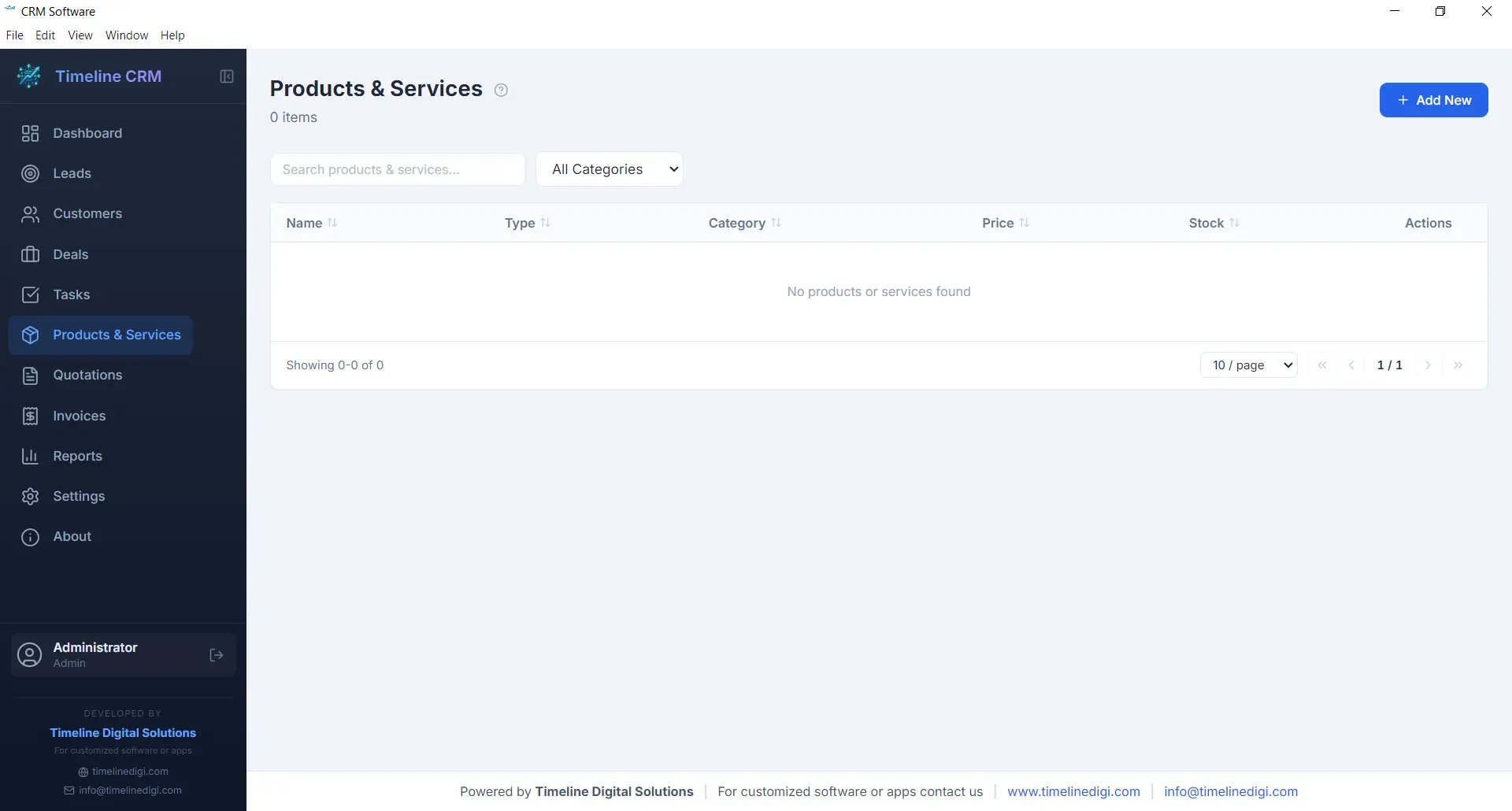
Products
The Products module serves as your centralized catalog for everything your business sells, whether physical products, services, or subscription packages. Each product entry includes a name, description, unit price, and category, allowing you to build a well-organized inventory that feeds directly into your quotations and invoices.
Having a product catalog eliminates the repetitive task of manually entering item details every time you create a new quotation or invoice. Simply select products from your catalog, specify quantities, and the system handles the rest — including price calculations and line item formatting. This saves time, reduces errors, and ensures consistency across all your business documents.
- Centralized product and service catalog
- Name, description, price, and category fields
- Direct integration with quotations and invoices
- Unlimited product entries
Quotations
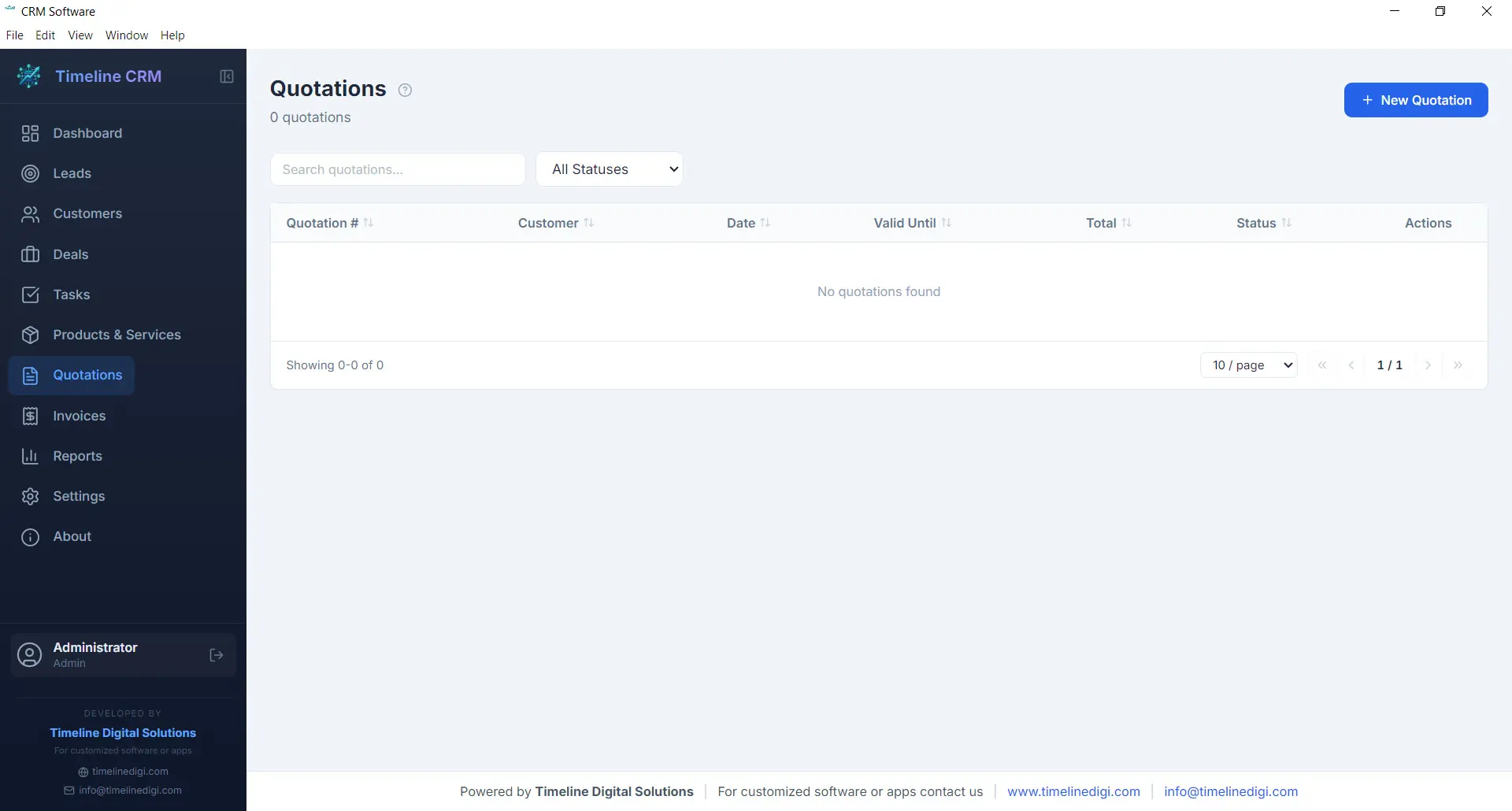
When a prospect is ready to hear your pricing, the Quotations module helps you respond quickly with a professional, branded document. Create quotations by selecting a customer, adding line items from your product catalog, adjusting quantities and pricing as needed, and generating a polished PDF in seconds. Auto-numbering ensures every quotation has a unique reference number for easy tracking.
Each quotation records the creation date, validity period, total amount, and current status. You can track whether a quote is pending, accepted, or rejected, giving you clear visibility into your conversion rates. Quotations can be linked to specific deals, so when a prospect accepts your quote, you can update the deal stage and move seamlessly toward closing the sale.
- Professional PDF quotation generation
- Auto-numbering with customizable prefix
- Line items from product catalog with quantity and pricing
- Status tracking: pending, accepted, rejected
Invoices
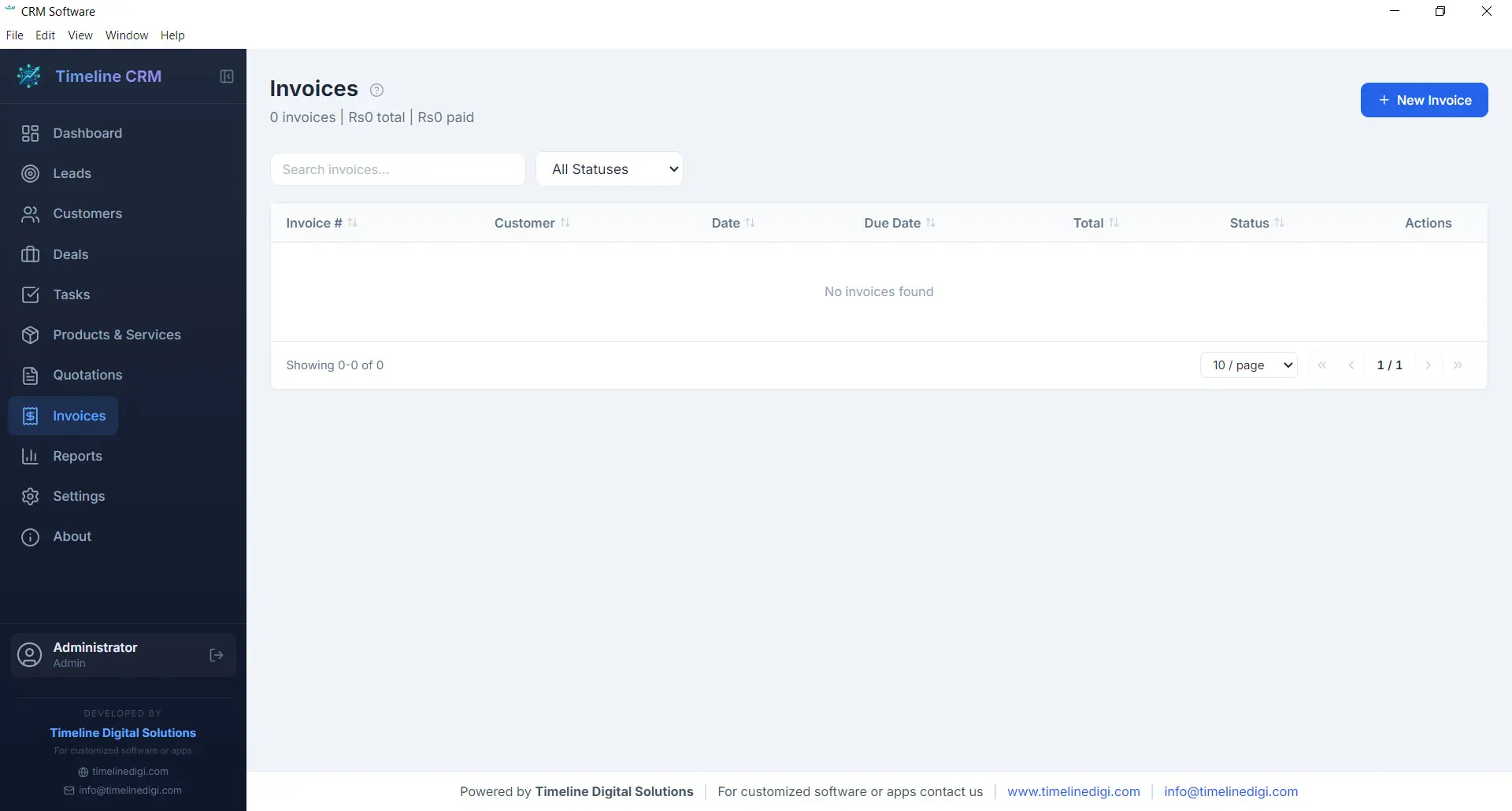
The Invoices module streamlines your billing workflow from creation to payment tracking. Generate detailed invoices with line items pulled from your product catalog, automatic tax calculations based on your configured rates, and professional formatting that represents your business well. Every invoice receives a unique auto-generated number for organized record keeping.
Track the payment status of each invoice — whether it is unpaid, partially paid, or fully settled — so you always know where your receivables stand. Export invoices as PDF documents to share with customers via email or print. The invoicing module works hand-in-hand with your customer and deal records, keeping your financial data connected to the rest of your business operations.
- PDF invoice generation with professional formatting
- Automatic tax calculations
- Payment status tracking: unpaid, partial, paid
- Auto-numbering with customizable prefix
Reports
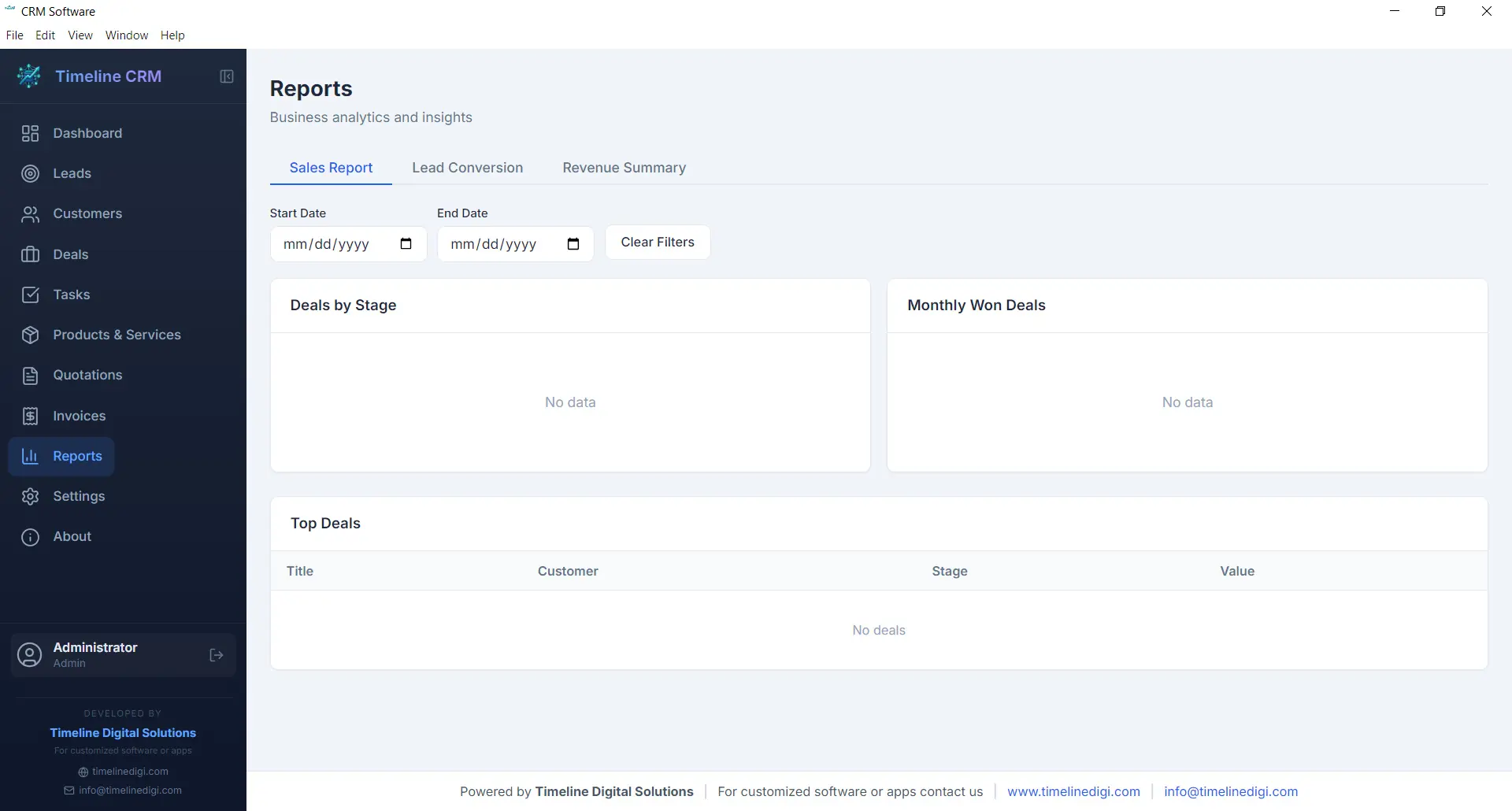
Data-driven decisions lead to better outcomes, and the Reports module gives you the insights you need without requiring a data analyst. Generate reports on sales performance, lead conversion rates, revenue trends, and pipeline health. Each report presents your data in clear, readable formats that help you understand what is working and what needs improvement.
Reports can be exported as CSV files for further analysis in spreadsheet applications or for sharing with business partners and accountants. Whether you need a monthly sales summary, a breakdown of deals by stage, or an overview of your lead sources, the Reports module produces the numbers you need to steer your business confidently.
- Sales performance and revenue reports
- Lead conversion and pipeline analysis
- CSV export for external analysis
- Visual charts and data summaries
Settings
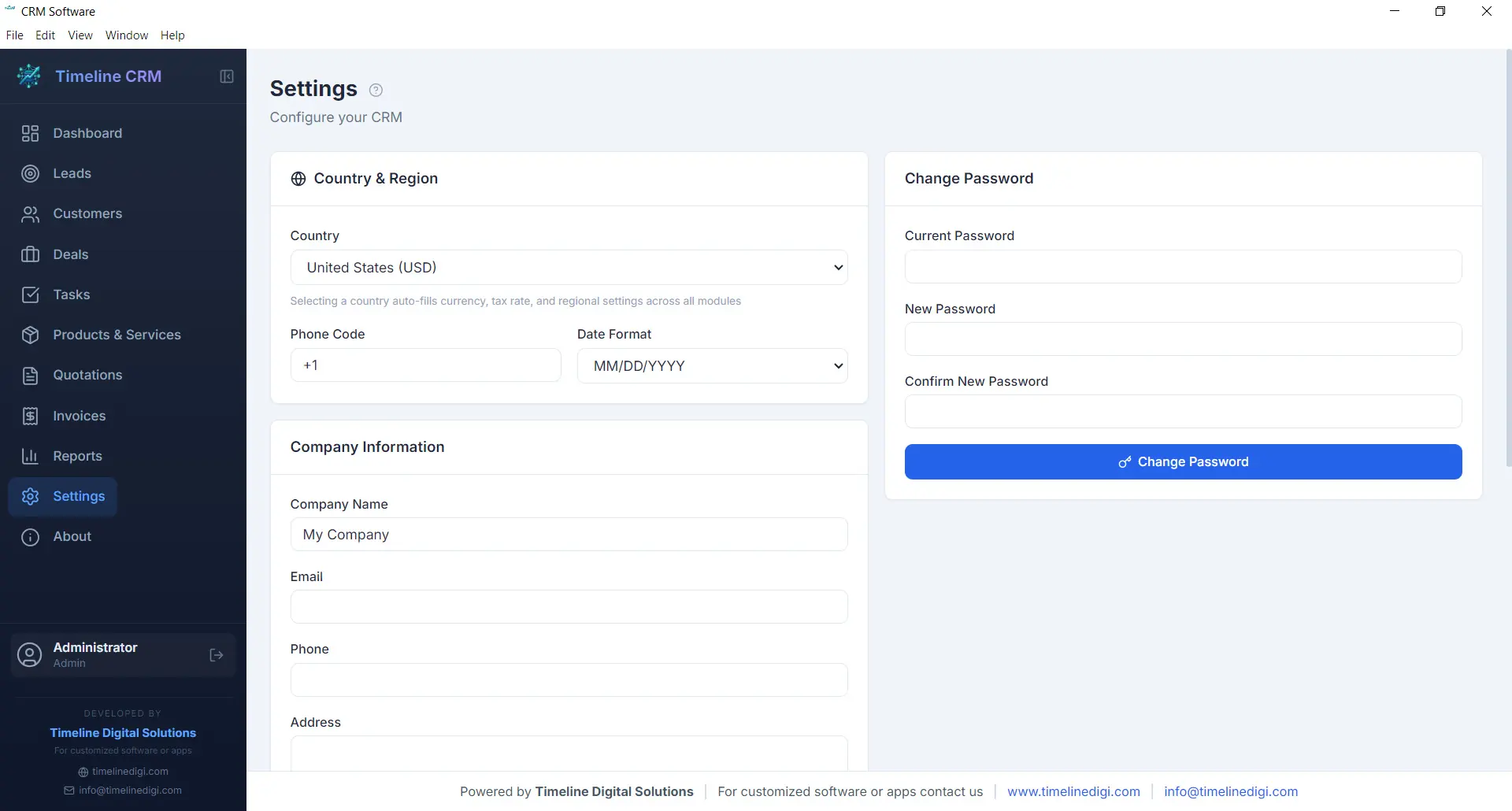
Every business has unique requirements, and the Settings module lets you tailor Timeline CRM to match yours. Configure your company name, logo, address, and contact details so that all generated documents — quotations and invoices — carry your branding. Set your preferred currency, tax rates, and country-based formatting to ensure financial calculations and number formats are correct for your region.
Customize auto-numbering prefixes for quotations and invoices to match your existing document numbering scheme. Adjust date formats, language preferences, and other display options to create a workspace that feels familiar and efficient. The Settings module is designed to be configured once and then work seamlessly in the background as you use every other module.
- Company profile and branding configuration
- Currency, tax, and country-based settings
- Auto-numbering prefix customization
- Date format and display preferences
Offline & Secure
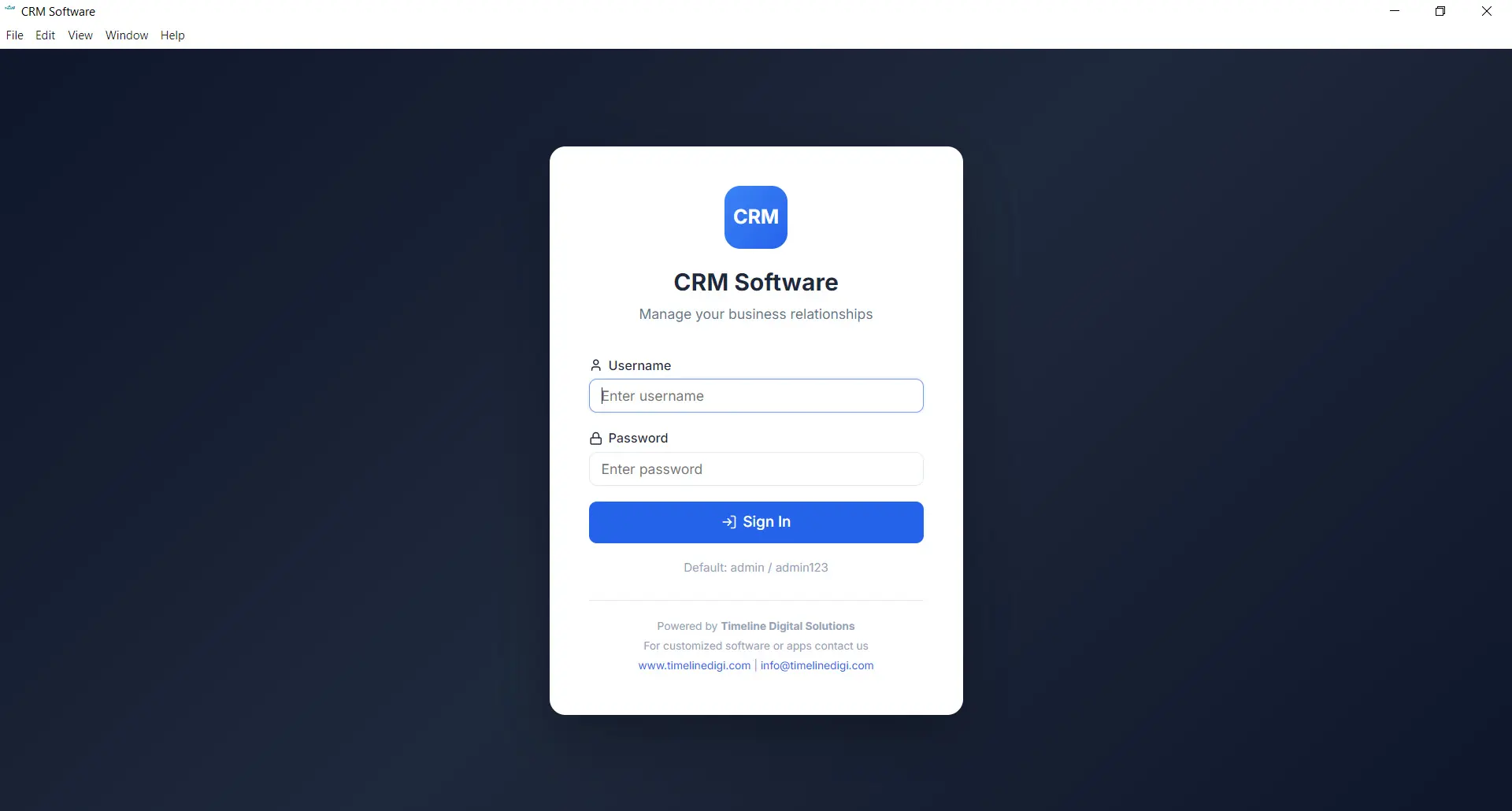
Privacy and data ownership are fundamental principles of Timeline CRM. Unlike cloud-based CRM systems that store your sensitive business data on third-party servers, Timeline CRM keeps everything on your local machine. The application uses SQLite as its database engine, storing all your leads, customers, deals, invoices, and other records in a single file on your hard drive that you fully control.
Because the application works entirely offline, you are never vulnerable to server outages, internet disruptions, or subscription cancellations that could lock you out of your own data. Your business information is always accessible, always private, and always yours. Back up your data by simply copying the database file, and rest assured that no one else has access to your customer information.
- 100% local data storage using SQLite
- No internet connection required
- No third-party data access or sharing
- Simple file-based backup and portability
All These Features. Completely Free.
Every module, every feature, every capability described above is included at no cost. Download Timeline CRM and start using all eleven modules today — no trial period, no feature restrictions, no credit card required.
Download Timeline CRM FreeVersion 1.0.0 • Windows 10/11 • 64-bit
See Timeline CRM in Action
Timeline CRM helps businesses manage leads, contacts, deals, quotations, invoices, and follow-ups in one place. Explore core workflows and compare related guides to choose the best setup for your team.