
CRM Database — Secure Local Customer Data Storage with Timeline CRM
Every customer relationship management system depends on its database. The CRM database is the foundation that holds every contact record, every lead interaction, every deal value, and every invoice your business generates. Without a well-structured and secure database, your CRM is nothing more than a digital address book. The quality of your CRM database determines how effectively you can track sales pipelines, analyze customer behavior, generate accurate reports, and make informed business decisions. Most CRM platforms store this critical data on remote cloud servers owned by the vendor, raising important questions about privacy, security, and long-term data ownership. Timeline CRM takes a fundamentally different approach by storing your entire CRM database locally on your Windows computer using SQLite, one of the most reliable and widely deployed database engines in the world. This means your customer data never leaves your machine, you maintain complete ownership of every record, and you can access your database at any time without an internet connection or ongoing subscription.
Developed By
Timeline Digital Solutions
For customized software or apps, contact Timeline Digital Solutions. We build practical business software, CRM systems, and tailored digital tools for real-world business operations.
What Is a CRM Database?
A CRM database is the structured data layer at the core of any customer relationship management application. It stores and organizes all the information that a business collects throughout its interactions with leads, prospects, and customers. This includes contact details such as names, phone numbers, email addresses, and physical addresses. It also encompasses transactional records like quotations, invoices, payment histories, and deal progress. Beyond individual records, a CRM database maintains the relationships between data entities, linking a customer to their deals, connecting deals to associated products, and tying invoices to specific quotations.
The architecture of a CRM database follows a relational model, where data is organized into tables with defined relationships. For example, a leads table connects to an activities table through foreign keys, allowing the system to display the complete history of interactions for any given lead. This relational structure enables powerful queries, such as calculating total revenue per customer, identifying leads that have been stagnant in a pipeline stage, or generating monthly sales reports across all deal categories.
Without a reliable database, CRM software cannot function. The database is what transforms a collection of names and numbers into actionable business intelligence. It enables pipeline tracking, revenue forecasting, customer segmentation, and performance analytics. The choice of database technology, and where that database is physically stored, has significant implications for performance, security, privacy, and your long-term control over business-critical information.
Why Your CRM Database Matters
Your CRM database is arguably the most valuable digital asset your business owns. It contains the accumulated knowledge of every sales conversation, every customer preference, every deal negotiation, and every financial transaction. When your database is well-structured, your team can instantly retrieve customer histories, identify high-value leads, forecast revenue with confidence, and spot trends before they become problems. A poorly managed or insecure database, on the other hand, can lead to lost opportunities, inaccurate reporting, data breaches, and erosion of customer trust.
The importance of your CRM database extends beyond daily operations. It forms the foundation for strategic decision-making. When you analyze your database, you can determine which lead sources generate the highest conversion rates, which products drive the most revenue, which customers are at risk of churning, and which sales stages experience the most friction. These insights are only possible when your data is organized in a structured, queryable format rather than scattered across spreadsheets, email threads, and sticky notes.
Data integrity is equally critical. A CRM database must enforce consistency across records. Duplicate contacts, orphaned deal records, and inconsistent formatting undermine the accuracy of every report and dashboard your CRM generates. Timeline CRM addresses this by using a relational SQLite database with defined schemas and constraints, ensuring that your data remains clean, consistent, and reliable from the first record to the thousandth.
Cloud vs Local CRM Databases
The CRM industry is dominated by cloud-based platforms that store your database on remote servers managed by the vendor. Services like Salesforce, HubSpot, and Zoho host your customer data in data centers, providing multi-device access and team collaboration features. However, cloud storage comes with trade-offs that many businesses do not fully consider before committing their data. When your CRM database lives on a vendor's servers, you are trusting that vendor with your most sensitive business information: customer contact details, deal values, revenue figures, pricing strategies, and financial records.
Cloud CRM databases also introduce internet dependency. If your connection drops, or if the vendor experiences downtime, you lose access to your own data. This can be disruptive during client calls, field visits, or critical sales moments when you need immediate access to customer information. Additionally, cloud storage costs money. Even if the CRM software offers a free tier, the vendor still incurs server hosting costs, which is why free cloud CRM plans almost always come with record limits, storage caps, or feature restrictions designed to push users toward paid subscriptions.
A local CRM database eliminates these concerns entirely. Timeline CRM stores your data in a SQLite file on your own Windows computer. Your information never travels over the internet, you are never locked out due to connectivity issues, and there are no storage limits dictated by subscription tiers. The trade-off is that a local database is tied to one machine, making it ideal for solo professionals, small business owners, and anyone who prioritizes privacy and data sovereignty over multi-device cloud synchronization.
The SQLite Advantage
Timeline CRM uses SQLite as its database engine, and this choice is intentional. SQLite is the most widely deployed database engine in the world, embedded in billions of devices including smartphones, web browsers, operating systems, and desktop applications. It is a self-contained, serverless, zero-configuration relational database that stores all data in a single file. For a desktop CRM application, SQLite offers the ideal combination of reliability, performance, and simplicity that more complex database systems like PostgreSQL or MySQL would overcomplicate.
SQLite excels at the read-heavy, moderate-write workloads that characterize CRM usage. When you open your lead pipeline, search for a customer, or generate a sales report, SQLite processes these queries with minimal overhead and near-instant response times. There is no network latency because the database lives on your local disk. There is no connection pooling or server management because SQLite is embedded directly within the Timeline CRM application. This architectural simplicity translates to a faster, more responsive user experience compared to cloud CRM platforms that must route every query through internet connections and remote database servers.
Portability is another major benefit. Your entire CRM database exists as a single file on your computer. This file can be copied, backed up, moved to another machine, or archived with standard file management tools. You do not need specialized database administration skills, export utilities, or migration tools. If you ever need to transfer your CRM data to a new computer, you simply copy the database file. This level of simplicity and portability is something that cloud-hosted databases simply cannot match.
Data Security and Ownership
Data security is one of the most compelling reasons to choose a local CRM database over a cloud-hosted one. When your customer data lives on a remote server, its security depends entirely on the vendor's infrastructure, policies, and practices. High-profile data breaches at major technology companies have repeatedly demonstrated that even well-funded organizations can fail to protect sensitive data. By storing your CRM database locally with Timeline CRM, you remove the attack surface that cloud hosting introduces. Your data is only accessible from your physical machine, and you control the security measures that protect it.
Data ownership is an equally important consideration. With cloud CRM platforms, the terms of service typically grant the vendor certain rights over your data, even if they promise not to sell it. Vendor lock-in is a real concern: if you decide to leave a cloud CRM, exporting your complete data with all relationships and history intact can be difficult or impossible. Some vendors restrict export capabilities on free tiers, effectively holding your data hostage until you pay for a premium plan. Timeline CRM avoids this entirely. Your database file sits on your computer, and you can copy, back up, or examine it whenever you choose.
For businesses that handle sensitive customer information, operate in regulated industries, or simply value privacy as a principle, a local CRM database provides peace of mind that no cloud service can match. You know exactly where your data is, who has access to it, and how it is protected. Timeline CRM ensures that the answer to all three questions is straightforward: your data is on your computer, only you have access, and your existing system security measures protect it.
How Timeline CRM Manages Your Data
Timeline CRM organizes your business data across 11 interconnected modules, each storing its data in the local SQLite database with clearly defined relationships. The Leads module maintains a 7-stage pipeline where each lead record stores contact information, source tracking, assigned pipeline stage, notes, and activity history. When a lead converts to a customer, the data flows seamlessly into the Customers module, preserving the complete interaction history without duplication. The Deals module tracks opportunities through a 6-stage pipeline with associated values, expected close dates, and linked customer records.
The Products module serves as a centralized catalog that feeds into both the Quotations and Invoices modules. When you create a quotation, you select products from your catalog, specify quantities, and the system calculates totals with tax automatically. Quotations receive auto-generated sequential numbers for professional document management. When a quotation is accepted, you can convert it to an invoice with a single action, carrying all line items and calculations forward. The Invoices module adds payment tracking capabilities, allowing you to record partial and full payments against each invoice and monitor outstanding balances.
The Reports and Analytics module queries across all these data tables to generate dashboards and summaries. You can view total revenue by period, pipeline conversion rates, outstanding invoice amounts, task completion rates, and customer activity trends. All of this reporting runs against your local SQLite database, delivering instant results without the latency of cloud-based analytics. The Dashboard module provides an at-a-glance overview that pulls key metrics from every module into a single view, updated in real time as you work.
Database-Powered Features in Timeline CRM
Every feature in Timeline CRM is powered by the local SQLite database, delivering instant performance with complete data privacy across all 11 modules.
Lead Pipeline
Track leads through 7 customizable stages with a visual Kanban board. Every status change, note, and interaction is recorded in the database with timestamps for complete audit trails.
Customer Records
Store comprehensive customer profiles including contact details, addresses, communication history, linked deals, and associated invoices. All records are relationally connected in the database.
Deal Tracking
Manage deals through a 6-stage pipeline with values, expected close dates, and customer associations. The database maintains the full history of every deal from creation to close.
Invoicing and Payments
Create professional invoices with line items pulled from your product database. Track payments, record partial payments, and generate PDF documents. All financial data is stored locally and securely.
Quotation Management
Generate quotations with auto-numbering, product line items, and automatic tax calculations. Convert accepted quotations to invoices with one click, preserving all data relationships in the database.
Reports and Analytics
Run comprehensive reports across your entire database. Analyze revenue trends, pipeline health, customer activity, and task completion rates with instant query performance from local data storage.
Frequently Asked Questions
Common questions about CRM databases, local data storage, and how Timeline CRM keeps your business data secure and accessible.
What is a CRM database? ▾
A CRM database is a structured repository where customer relationship management software stores all business-critical information, including contact details, lead interactions, deal histories, invoices, and communication logs. It serves as the single source of truth for every customer touchpoint. Timeline CRM uses a local SQLite database stored directly on your Windows PC, giving you complete ownership and control over your data without relying on external servers.
Is my data safe in a local CRM database? ▾
Yes. A local CRM database like the one used by Timeline CRM stores all information on your own computer, meaning your data never leaves your machine. There is no risk of cloud breaches, unauthorized third-party access, or vendor-side data leaks. You can further protect your data by maintaining regular backups of the SQLite file to an external drive or encrypted storage location.
What is SQLite and why does Timeline CRM use it? ▾
SQLite is a lightweight, self-contained relational database engine that is embedded directly into applications rather than running as a separate server process. It is the most widely deployed database engine in the world, powering billions of devices. Timeline CRM uses SQLite because it requires zero configuration, delivers fast read and write performance for CRM workloads, and stores all data in a single portable file on your computer.
Can I back up my CRM database? ▾
Absolutely. Since Timeline CRM stores your entire database as a single SQLite file on your local machine, backing up your data is as simple as copying that file to an external hard drive, USB stick, or any secure storage location. You do not need to rely on cloud backup services or pay for additional storage tiers. Your backup strategy is entirely in your hands.
How does a local CRM database compare to a cloud CRM database? ▾
A local CRM database stores data on your own hardware, giving you complete privacy, offline access, and zero recurring storage costs. A cloud CRM database stores data on the vendor remote servers, providing multi-device access but introducing risks around data privacy, internet dependency, and ongoing subscription fees. Timeline CRM uses a local SQLite database to prioritize security, speed, and total data ownership.
What types of data does the Timeline CRM database store? ▾
The Timeline CRM database stores all information across its 11 modules. This includes lead profiles and pipeline stages, customer contact details and addresses, deal values and progress, tasks and deadlines, product and service catalogs with pricing, quotations with line items, invoices with payment tracking records, call logs, notes, and your configured business settings such as company details and tax rates.
Do I own my data in Timeline CRM? ▾
Yes, you have complete and unconditional ownership of your data. Timeline CRM stores everything in a local SQLite database on your computer. No data is transmitted to external servers, no third party can access your records, and you can export your information to CSV at any time. If you ever stop using Timeline CRM, your data files remain on your machine and are fully accessible.
Can I migrate data from another CRM into Timeline CRM? ▾
Timeline CRM supports data import through structured entry. If you are migrating from another CRM, you can export your existing data to CSV from your current platform and then import your contacts and records into Timeline CRM. The application is designed to make manual data entry efficient with auto-fill fields, dropdown selections, and streamlined forms across all modules.
Take Control of Your CRM Database
Download Timeline CRM and store your customer data securely on your own computer. No cloud servers, no subscriptions, no compromises on data privacy. Your business data belongs to you.
Download Timeline CRM FreeRelated Resources
Free CRM Software
Discover why Timeline CRM is the best free CRM software with no hidden costs or feature limitations.
Free Desktop CRM
Learn about the advantages of desktop CRM software for offline access and data privacy.
What Is CRM?
A comprehensive guide to customer relationship management and how CRM software works.
All Features
Explore the complete feature set across all 11 modules of Timeline CRM.
Every Feature You Need,
Zero Cost
Timeline CRM packs a complete suite of business management tools into one free desktop application. From lead capture to invoice generation, every module is designed to help small businesses operate more efficiently without paying for expensive cloud subscriptions.
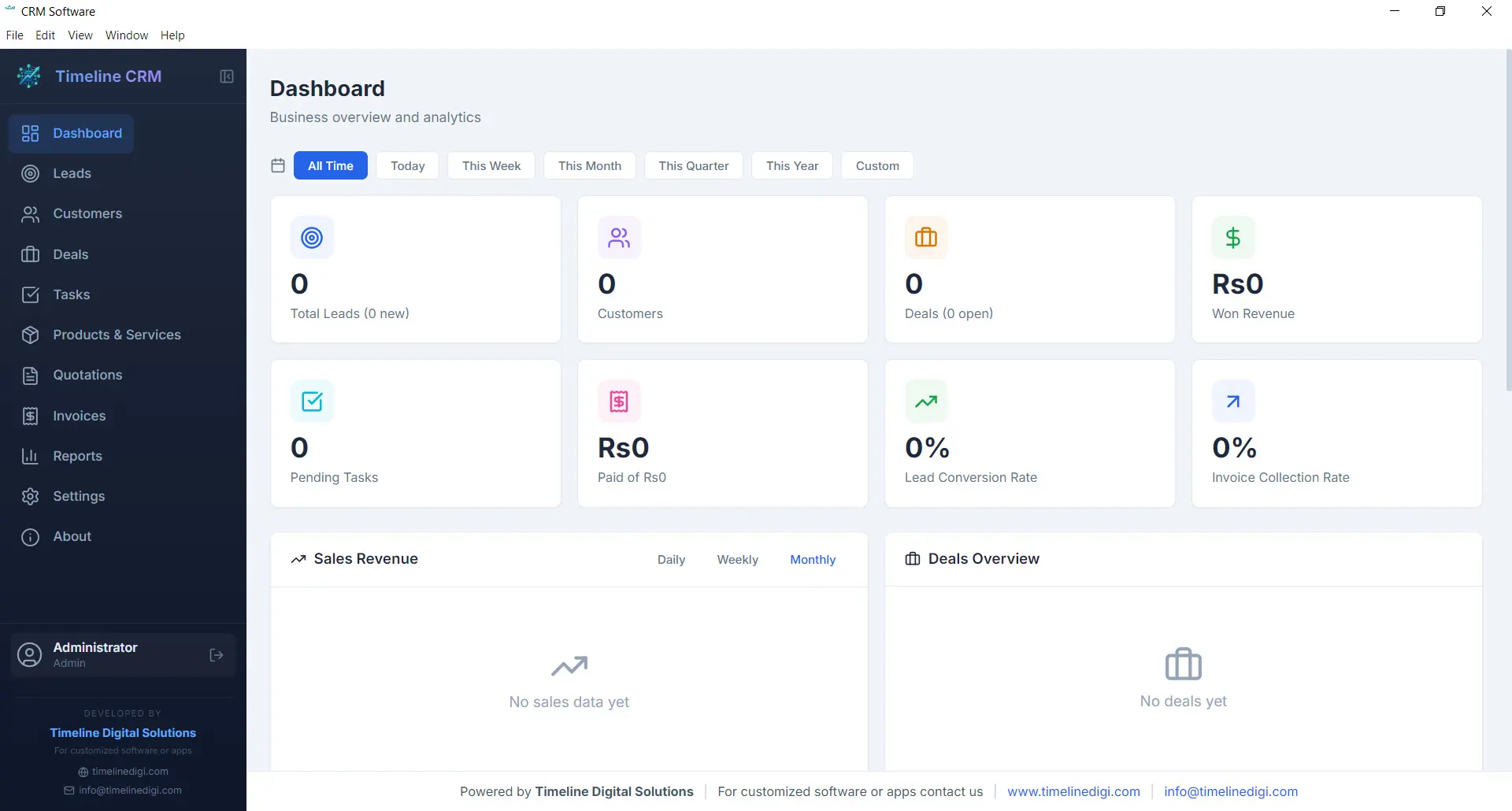
Dashboard
The Dashboard is your command center. Every time you open Timeline CRM, you are greeted with a comprehensive overview of your business performance. Key metrics are displayed prominently so you can gauge the health of your sales pipeline, track revenue trends, and identify areas that need attention — all without clicking through multiple screens.
Visual charts and summary cards present your data in an easy-to-digest format. Whether you want to see how many new leads came in this week, what your total deal value looks like, or which tasks are overdue, the Dashboard surfaces that information instantly. It is the first thing you see and the fastest way to stay on top of your business.
- Real-time business metrics and KPI cards
- Sales pipeline distribution chart
- Recent activity feed and upcoming tasks
- Revenue and lead trend visualizations
Leads
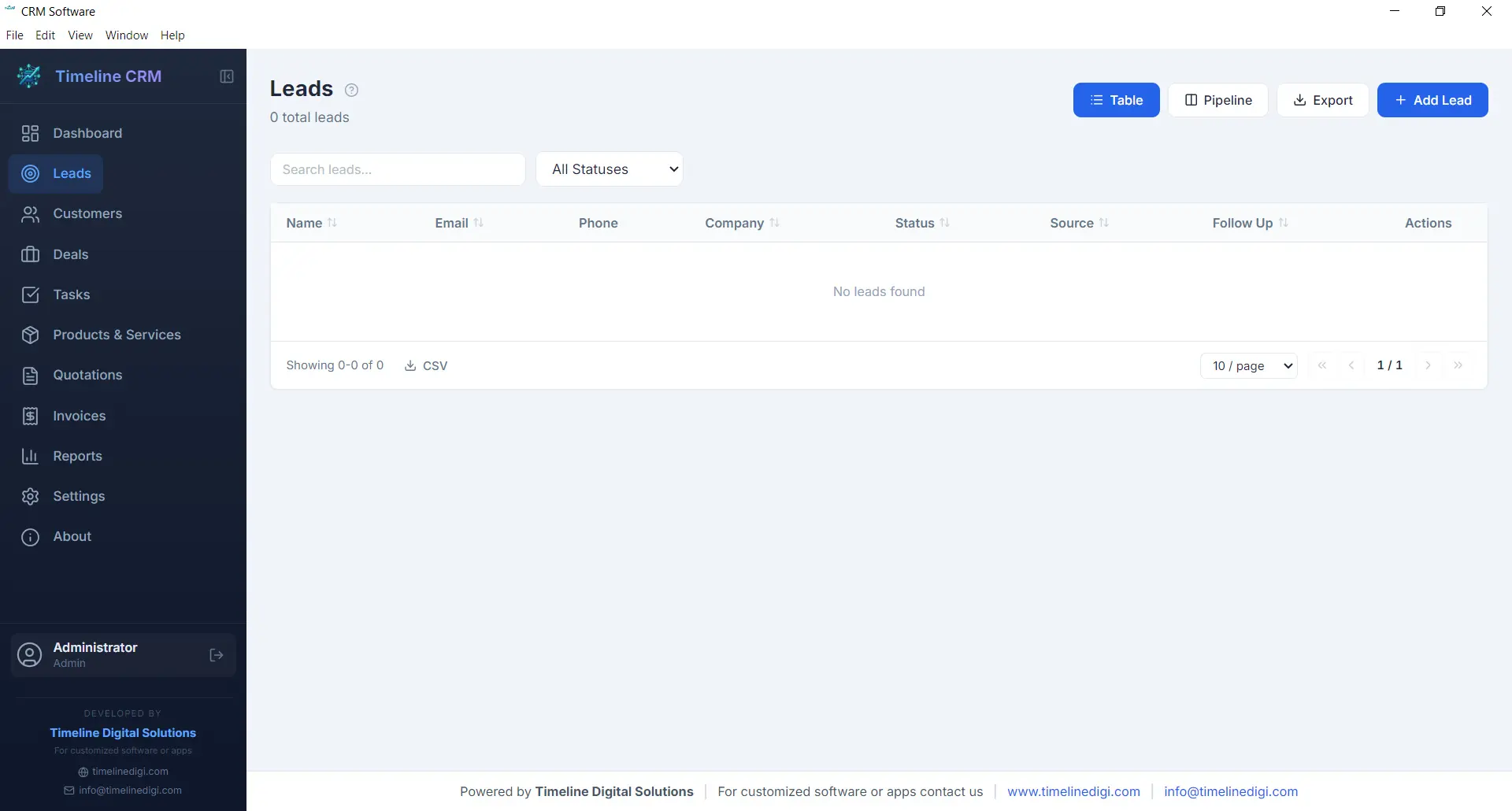
The Leads module is where every potential customer relationship begins. Capture new leads with detailed contact information, company details, and source tracking. Each lead is placed into a structured seven-stage pipeline — New, Contacted, Qualified, Proposal, Negotiation, Won, and Lost — so you always know exactly where every prospect stands in your sales process.
As you work with each lead, you can log phone calls, record meeting notes, attach documents, and track every interaction. This complete history ensures that no context is lost when you follow up days or weeks later. The pipeline view gives you a visual representation of your entire lead funnel, making it easy to spot bottlenecks and prioritize your outreach efforts.
- Seven-stage pipeline: New, Contacted, Qualified, Proposal, Negotiation, Won, Lost
- Call logging with date, duration, and notes
- Lead source and priority tracking
- Convert leads to customers with one click
Customers
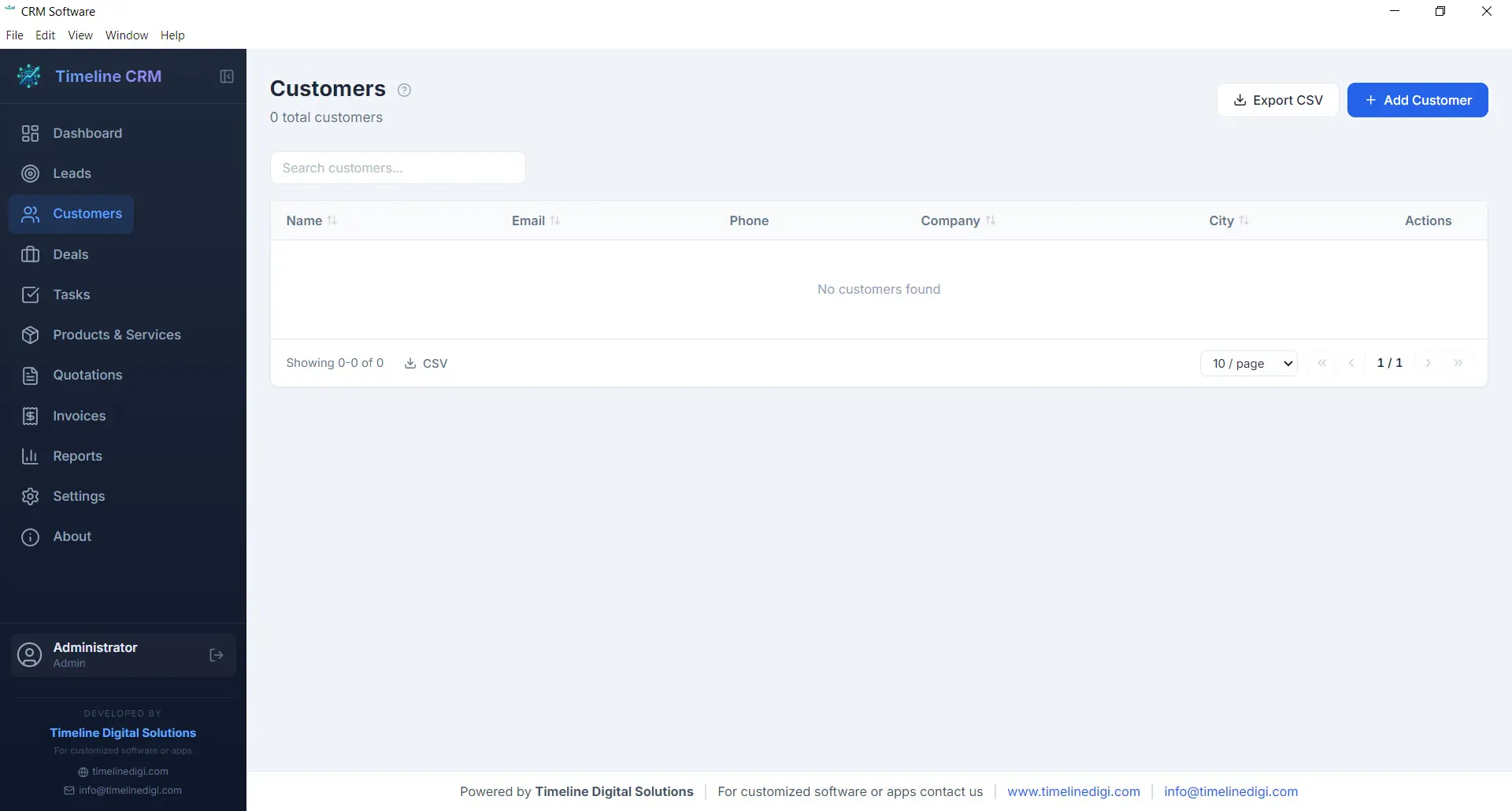
Your customers are the backbone of your business, and the Customers module helps you manage every relationship with care. Store comprehensive contact information, company details, billing addresses, and communication preferences in one organized record. When a lead is converted to a customer, all their history transfers automatically so nothing is lost in the transition.
Each customer profile acts as a hub connecting all related business data. Open any customer record and you can instantly view their associated deals, outstanding invoices, past quotations, and every note or interaction logged over time. This 360-degree view enables you to provide better service, anticipate needs, and build long-term relationships that drive repeat business.
- Complete contact and company profiles
- Full interaction and transaction history
- Linked deals, invoices, and quotations
- CSV export for customer data
Deals
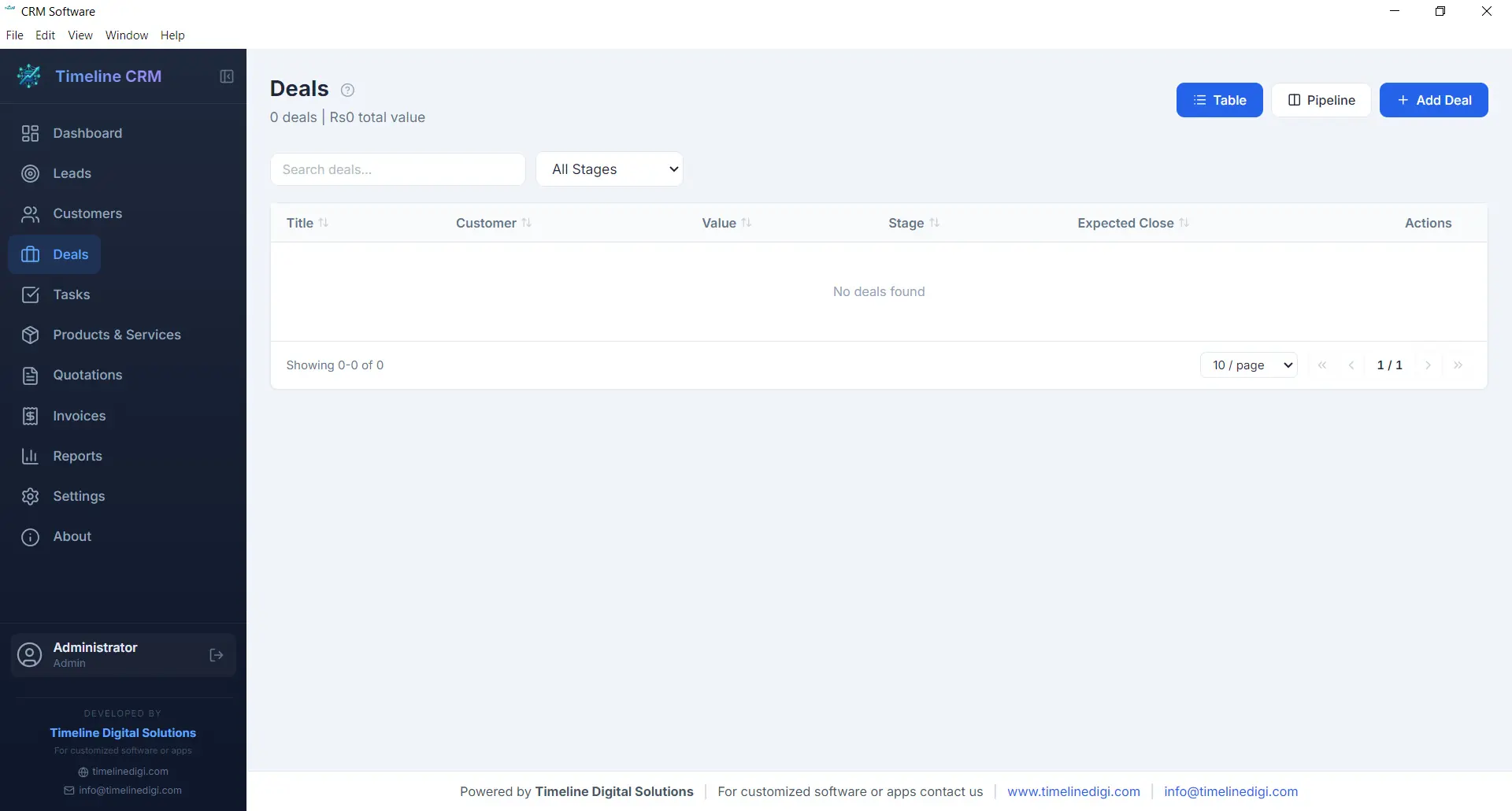
The Deals module tracks every sales opportunity from first conversation to closed contract. Each deal is assigned a monetary value, an expected close date, and a probability percentage, giving you accurate revenue forecasting at all times. The six-stage pipeline — Prospect, Qualification, Proposal, Negotiation, Won, and Lost — provides a clear visual workflow that keeps your sales process structured and predictable.
Deals are linked to specific customers and can reference related quotations, making it easy to track the progression from initial quote to final agreement. You can add notes, update stages with a single click, and monitor your weighted pipeline value to understand projected revenue. For business owners who need clarity on what money is coming in and when, the Deals module delivers that visibility.
- Six-stage pipeline: Prospect, Qualification, Proposal, Negotiation, Won, Lost
- Deal value, probability, and expected close date
- Revenue forecasting with weighted pipeline
- Linked to customers and quotations
Tasks
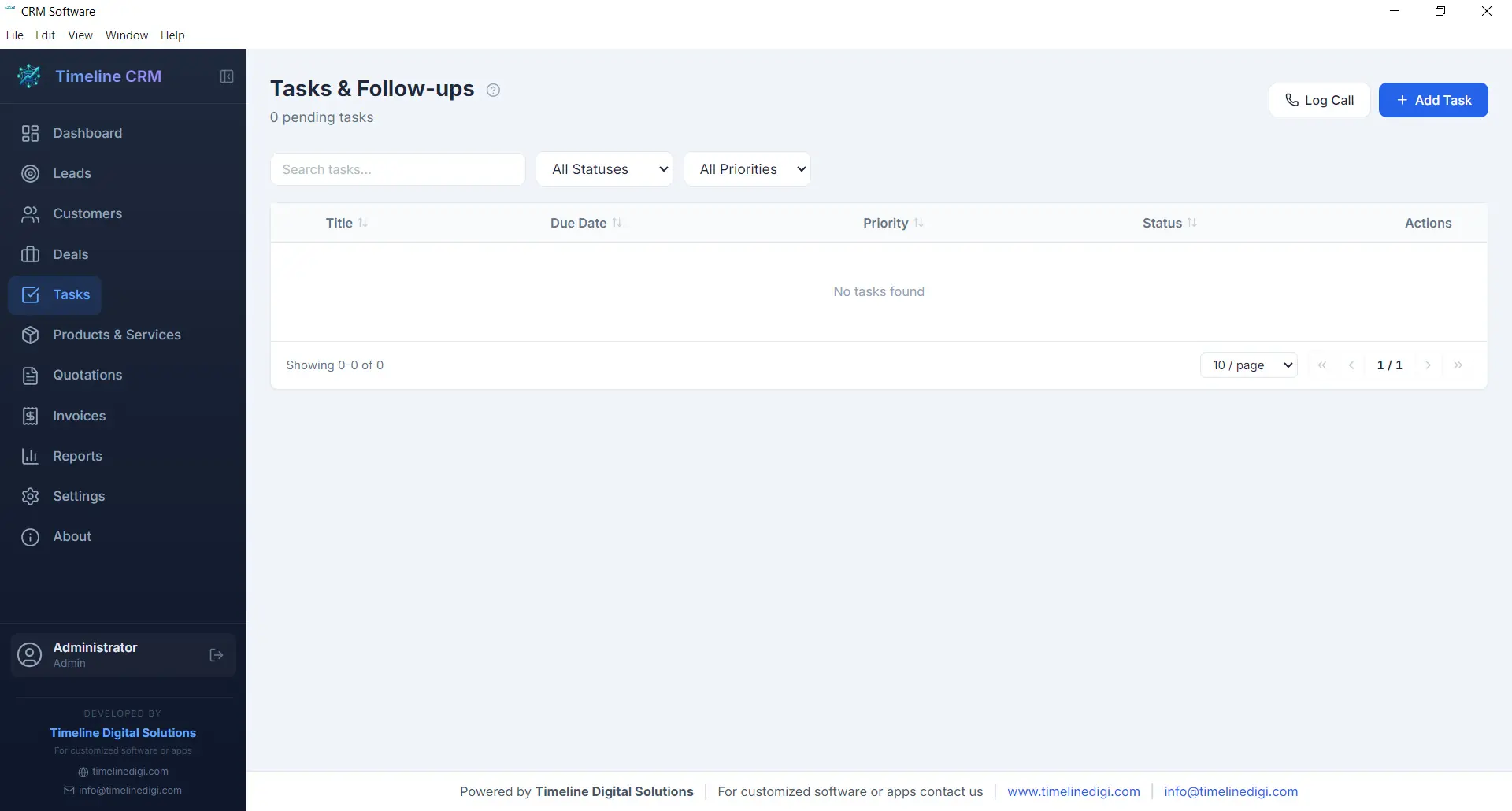
Staying organized is essential when you are managing multiple leads and deals simultaneously. The Tasks module gives you a straightforward way to create, prioritize, and track action items that keep your business moving forward. Each task can include a title, description, due date, priority level, and status, making it easy to see what needs attention right now.
Tasks can be linked to specific leads, customers, or deals, providing context about why the task exists and what it relates to. Whether you need to follow up with a prospect, prepare a proposal, or review an invoice, the Tasks module ensures nothing slips through the cracks. Overdue tasks are highlighted on the Dashboard so you can take action before opportunities are missed.
- Create tasks with due dates and priority levels
- Link tasks to leads, customers, or deals
- Status tracking: pending, in progress, completed
- Overdue task alerts on the Dashboard
Products
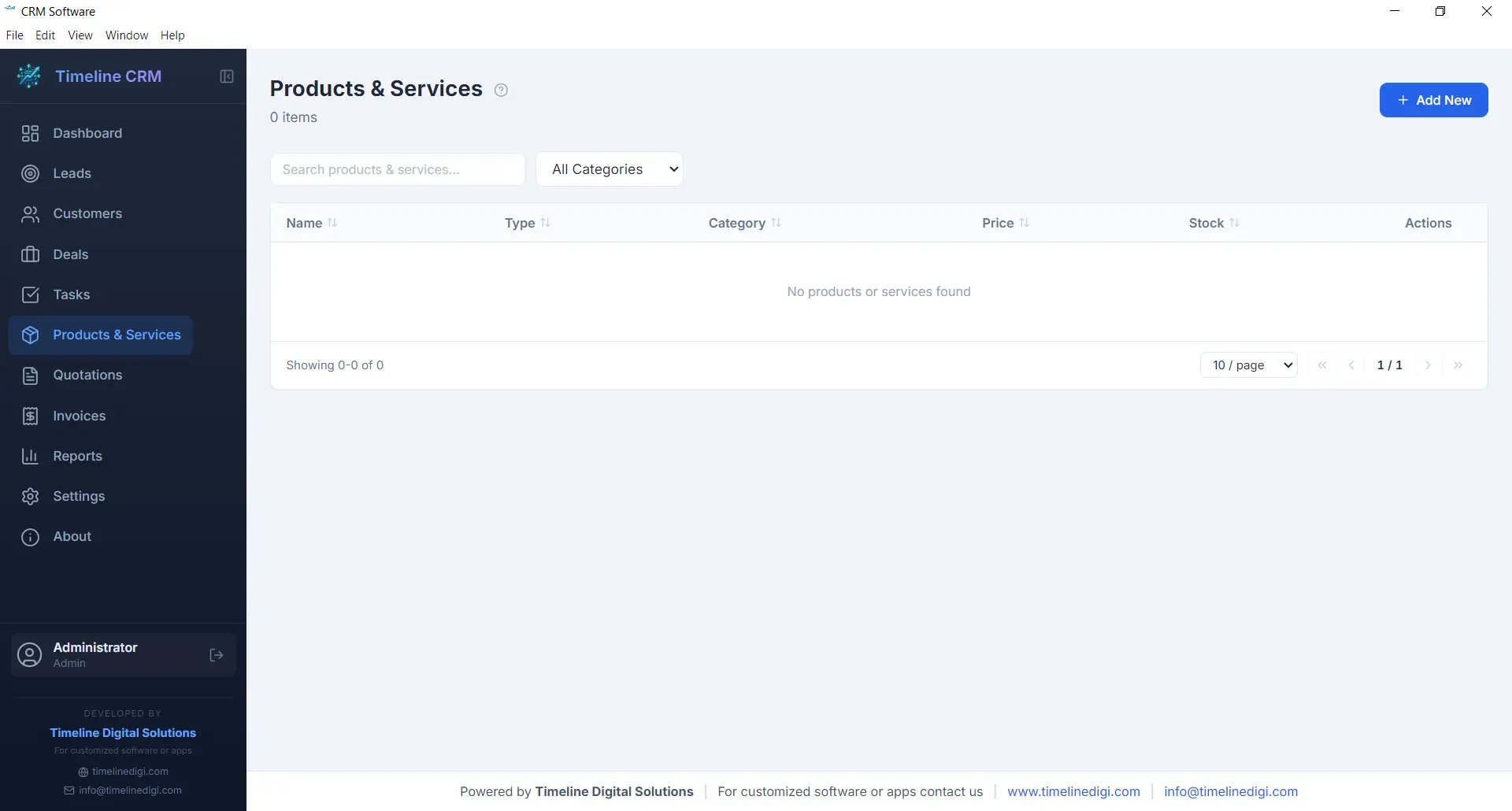
The Products module serves as your centralized catalog for everything your business sells, whether physical products, services, or subscription packages. Each product entry includes a name, description, unit price, and category, allowing you to build a well-organized inventory that feeds directly into your quotations and invoices.
Having a product catalog eliminates the repetitive task of manually entering item details every time you create a new quotation or invoice. Simply select products from your catalog, specify quantities, and the system handles the rest — including price calculations and line item formatting. This saves time, reduces errors, and ensures consistency across all your business documents.
- Centralized product and service catalog
- Name, description, price, and category fields
- Direct integration with quotations and invoices
- Unlimited product entries
Quotations
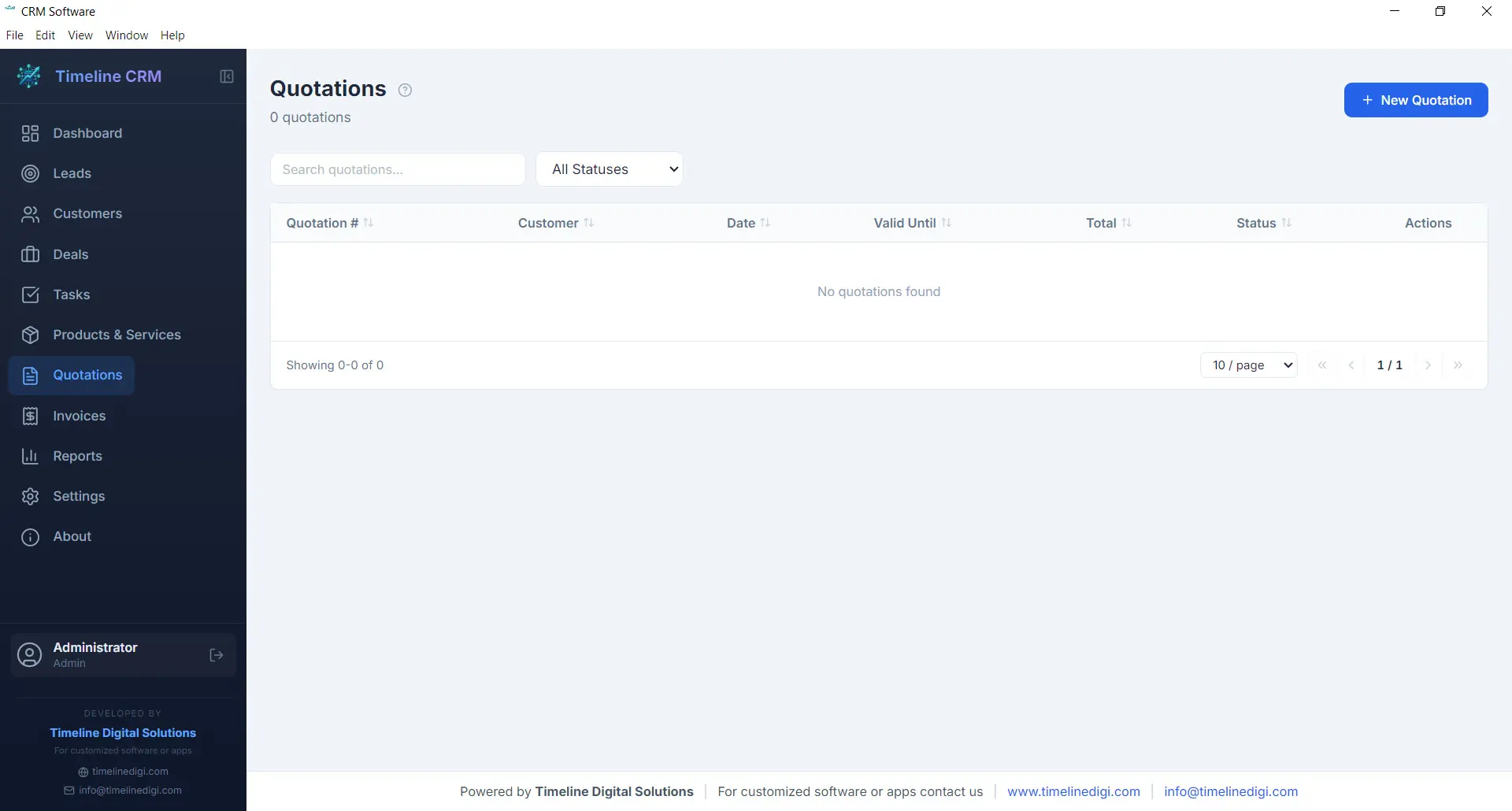
When a prospect is ready to hear your pricing, the Quotations module helps you respond quickly with a professional, branded document. Create quotations by selecting a customer, adding line items from your product catalog, adjusting quantities and pricing as needed, and generating a polished PDF in seconds. Auto-numbering ensures every quotation has a unique reference number for easy tracking.
Each quotation records the creation date, validity period, total amount, and current status. You can track whether a quote is pending, accepted, or rejected, giving you clear visibility into your conversion rates. Quotations can be linked to specific deals, so when a prospect accepts your quote, you can update the deal stage and move seamlessly toward closing the sale.
- Professional PDF quotation generation
- Auto-numbering with customizable prefix
- Line items from product catalog with quantity and pricing
- Status tracking: pending, accepted, rejected
Invoices
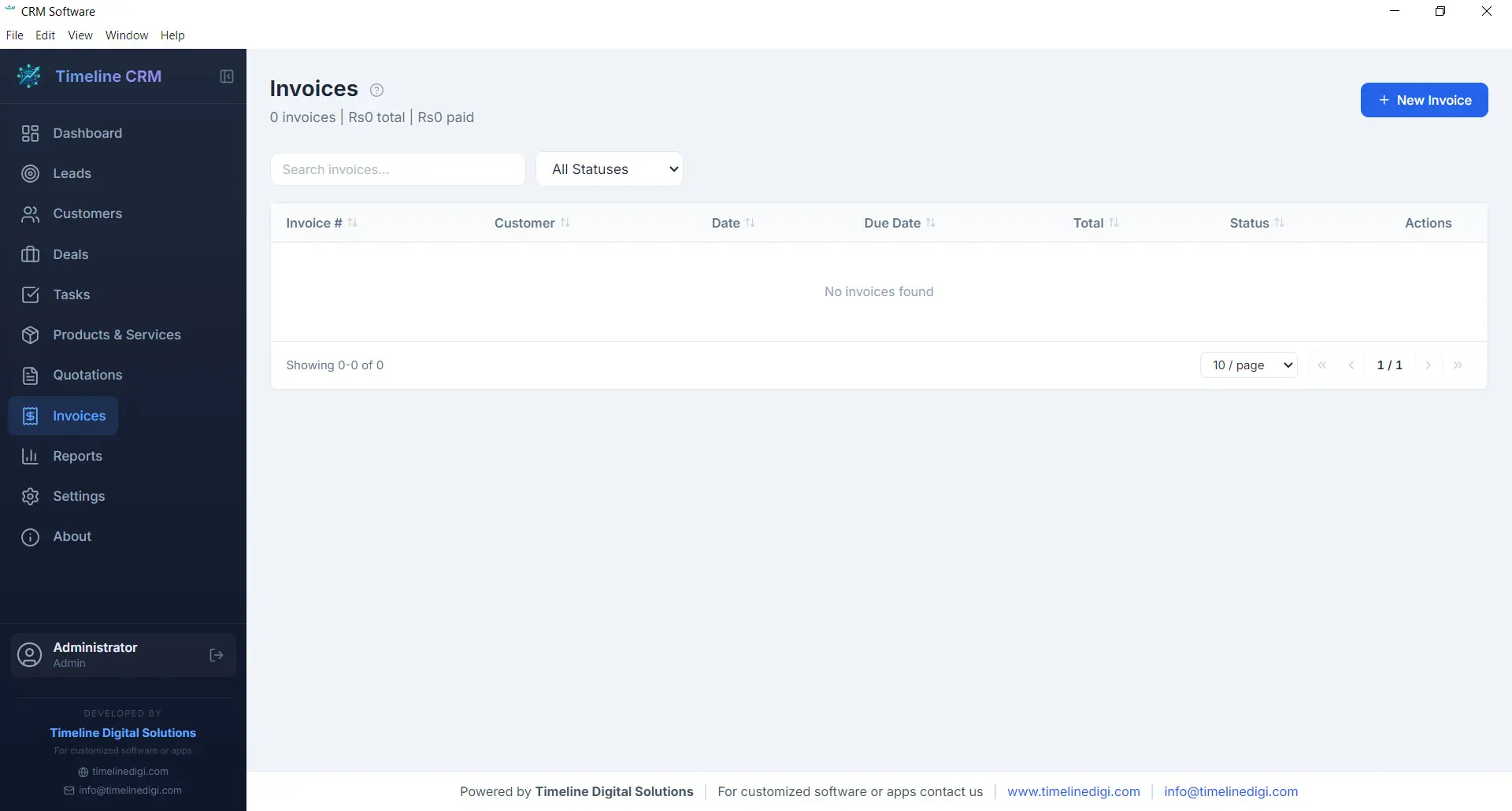
The Invoices module streamlines your billing workflow from creation to payment tracking. Generate detailed invoices with line items pulled from your product catalog, automatic tax calculations based on your configured rates, and professional formatting that represents your business well. Every invoice receives a unique auto-generated number for organized record keeping.
Track the payment status of each invoice — whether it is unpaid, partially paid, or fully settled — so you always know where your receivables stand. Export invoices as PDF documents to share with customers via email or print. The invoicing module works hand-in-hand with your customer and deal records, keeping your financial data connected to the rest of your business operations.
- PDF invoice generation with professional formatting
- Automatic tax calculations
- Payment status tracking: unpaid, partial, paid
- Auto-numbering with customizable prefix
Reports
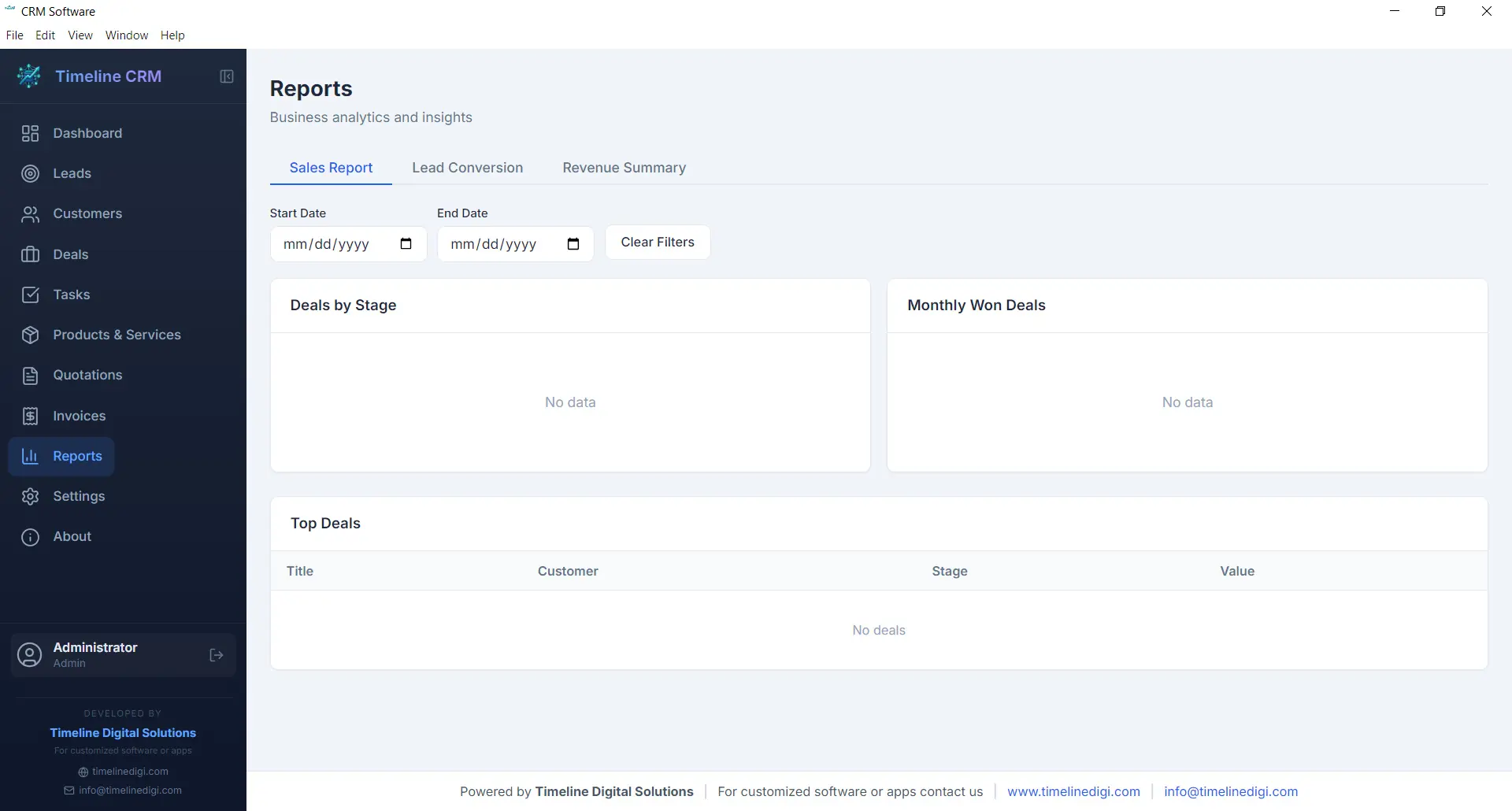
Data-driven decisions lead to better outcomes, and the Reports module gives you the insights you need without requiring a data analyst. Generate reports on sales performance, lead conversion rates, revenue trends, and pipeline health. Each report presents your data in clear, readable formats that help you understand what is working and what needs improvement.
Reports can be exported as CSV files for further analysis in spreadsheet applications or for sharing with business partners and accountants. Whether you need a monthly sales summary, a breakdown of deals by stage, or an overview of your lead sources, the Reports module produces the numbers you need to steer your business confidently.
- Sales performance and revenue reports
- Lead conversion and pipeline analysis
- CSV export for external analysis
- Visual charts and data summaries
Settings
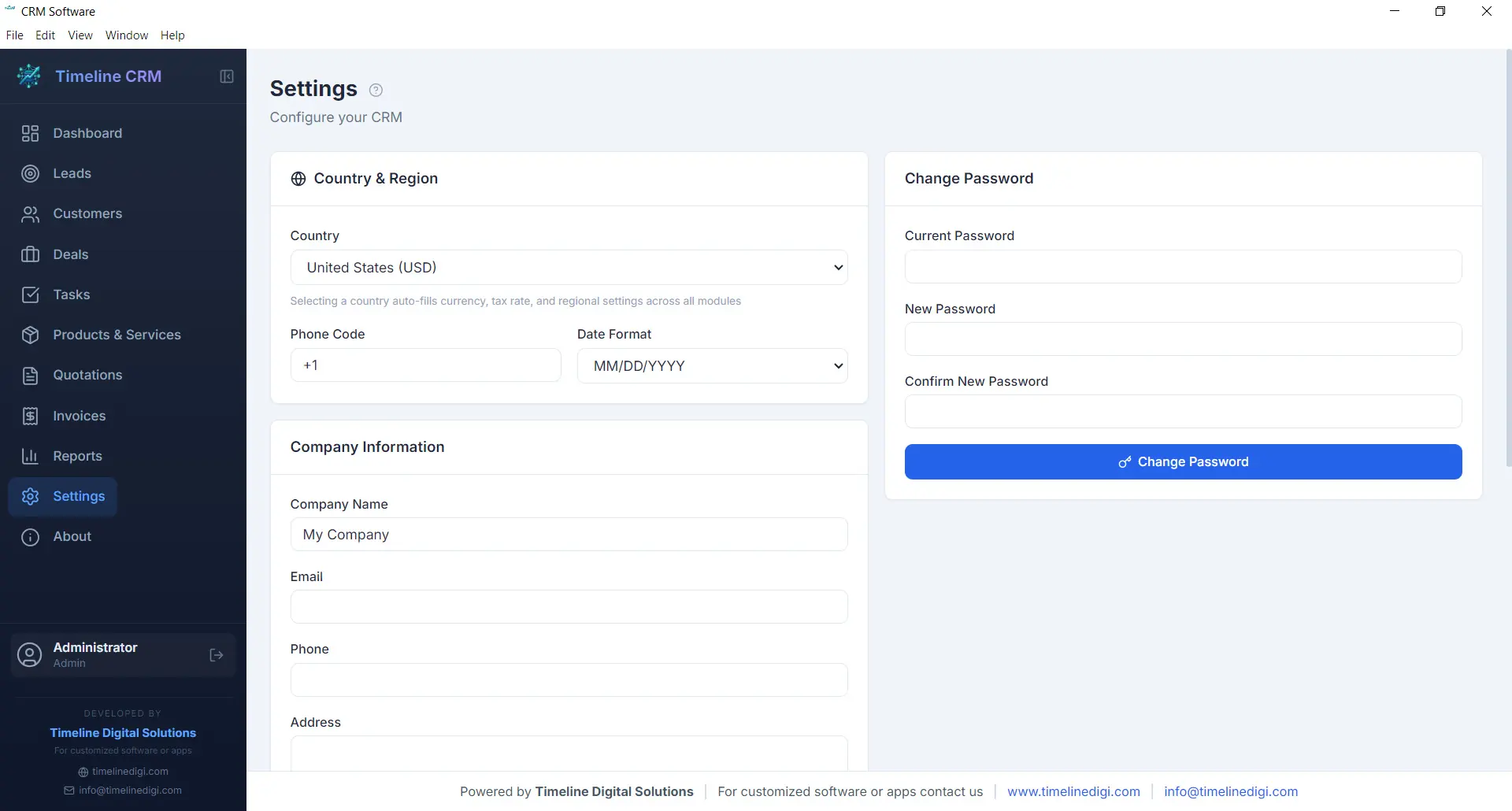
Every business has unique requirements, and the Settings module lets you tailor Timeline CRM to match yours. Configure your company name, logo, address, and contact details so that all generated documents — quotations and invoices — carry your branding. Set your preferred currency, tax rates, and country-based formatting to ensure financial calculations and number formats are correct for your region.
Customize auto-numbering prefixes for quotations and invoices to match your existing document numbering scheme. Adjust date formats, language preferences, and other display options to create a workspace that feels familiar and efficient. The Settings module is designed to be configured once and then work seamlessly in the background as you use every other module.
- Company profile and branding configuration
- Currency, tax, and country-based settings
- Auto-numbering prefix customization
- Date format and display preferences
Offline & Secure
Privacy and data ownership are fundamental principles of Timeline CRM. Unlike cloud-based CRM systems that store your sensitive business data on third-party servers, Timeline CRM keeps everything on your local machine. The application uses SQLite as its database engine, storing all your leads, customers, deals, invoices, and other records in a single file on your hard drive that you fully control.
Because the application works entirely offline, you are never vulnerable to server outages, internet disruptions, or subscription cancellations that could lock you out of your own data. Your business information is always accessible, always private, and always yours. Back up your data by simply copying the database file, and rest assured that no one else has access to your customer information.
- 100% local data storage using SQLite
- No internet connection required
- No third-party data access or sharing
- Simple file-based backup and portability
All These Features. Completely Free.
Every module, every feature, every capability described above is included at no cost. Download Timeline CRM and start using all eleven modules today — no trial period, no feature restrictions, no credit card required.
Download Timeline CRM FreeVersion 1.0.0 • Windows 10/11 • 64-bit
See Timeline CRM in Action
Timeline CRM helps businesses manage leads, contacts, deals, quotations, invoices, and follow-ups in one place. Explore core workflows and compare related guides to choose the best setup for your team.